6 Best Practices For Hot Desking Hygiene [2026]

11 mins read
Published: Jul 5, 2023
Last updated: Jun 16, 2026

Hot desking hygiene is the set of cleaning routines and shared-desk rules that stop germs from passing between the people who use the same desk on different days.
Employees agree: hot desking provides more freedom and flexibility over their workdays. But it’s not without its challenges — and a significant one is maintaining hot desking hygiene.
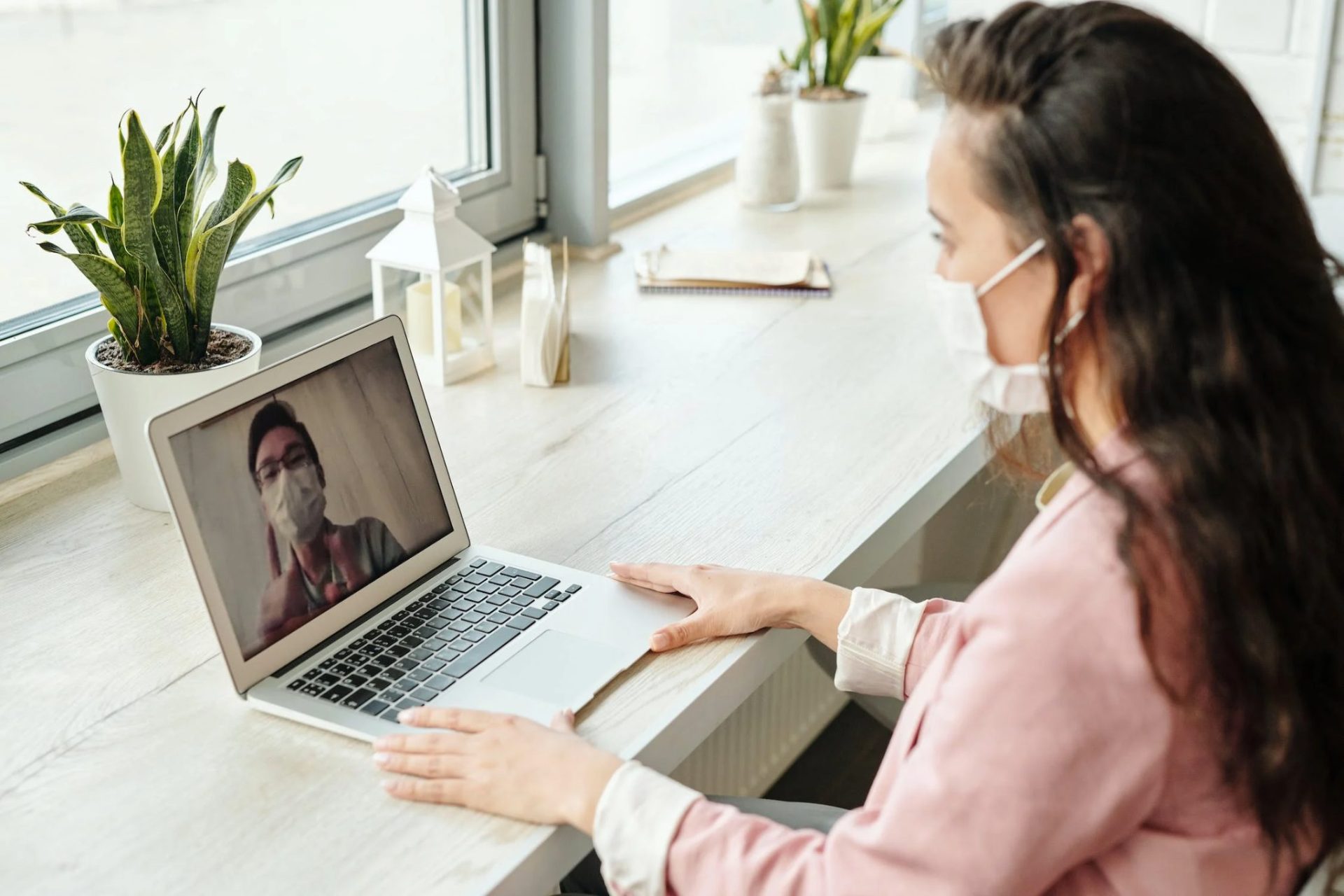
How do you keep a hybrid office clean as employees switch between desks?
Hybrid offices that adopt hot desking must take hygiene seriously. If not, you’ll create a work environment where people often get sick, hurting your company’s productivity and putting your team’s health at risk.
In this article, we’ll review the best hygiene practices to keep your hybrid employees safe and healthy in a flexible working environment.
Quick Summary
With a hot desking arrangement in place, there are no assigned seats. Instead, employees choose available desks once they arrive, or book one as and when they need arises.
This arrangement allows hybrid offices to maintain smaller spaces and save on costs, while still ensuring employees who are present on the premises, rather than working remotely, have a designated place to feel productive.
Of course, the reality of this innovative idea is that multiple employees use the same desk throughout the week — and this can increase the spread of germs. The situation is quite similar with desk hoteling as well.
Research from the University of Arizona also shows that when an employee spends only two to four hours in the office, they still spread germs to more than 50% of commonly touched workplace surfaces.
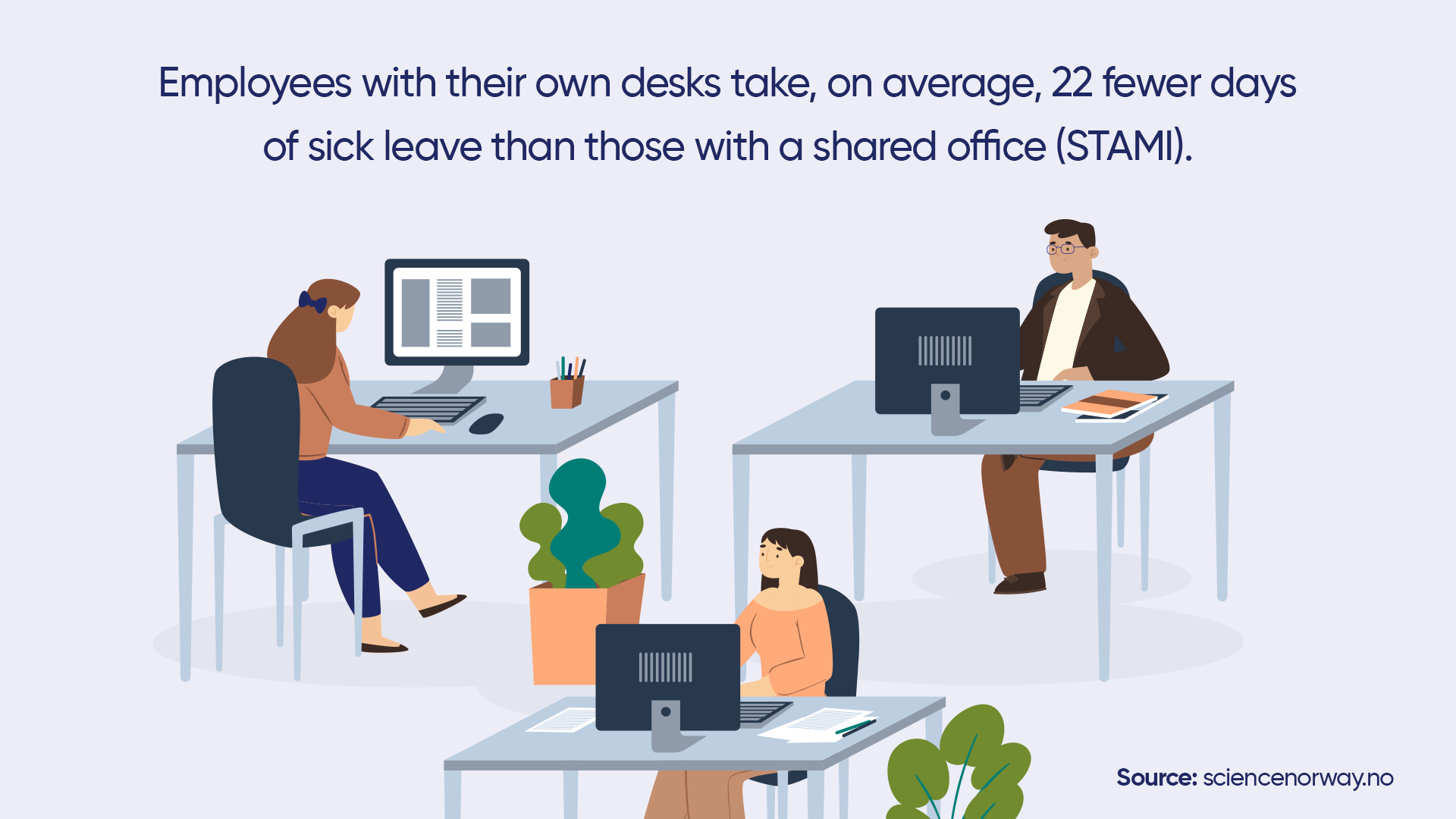
Office design matters too. A study from the Norwegian National Institute of Occupational Health (STAMI) found that employees who share an office or work in open-plan space run an 18% and 12% higher risk of medically certified sick leave than those with their own office. (ScienceNorway summary of the STAMI study.)
A 2025 OsloMet and STAMI study of 7,968 Norwegian office workers found the poorest self-reported indoor climate in flexible, hot-desking offices and in rooms shared by more than 24 people, which is one reason air quality sits at the top of the list below. (OsloMet, 2025.)
Does that mean hot desking is the problem? No. Hot desking is still a practical way to keep costs down and use space well. The fix is a clear hot desking hygiene policy.
Without one, you risk your employees’ health and your company’s performance. An analysis from the Integrated Benefits Institute (IBI) puts illness-related lost productivity at about 1.5 billion days a year for US employers. (IBI, 2019 analysis. Integrated Benefits Institute.)
Your company’s success depends on healthy and engaged employees.
Hybrid employees can get sick when hot desking hygiene isn’t properly respected, which can damage your company’s productivity and progress.

Some of the most common illnesses that spread at work include the following:
Plus, there’s a shocking link between hygiene and mental health. Watch the short video below.
Optimizing your hot desking environment for hygiene all comes down to proper preparation. Here’s how to protect your employees’ health and keep your hybrid workplace clean:
Indoor air quality affects how germs spread in the office. Improve airflow with the help of HVAC technicians so you can raise air quality for hybrid employees.
Other steps: use portable HEPA air purifiers and bring in more outdoor air by opening windows. Both cut the number of pathogens in the air.
Each hybrid employee must commit to creating a cleaner and healthier office for everyone in the workplace. This is a way for employees to look after each other — encouraging healthy work relationships.
Add a list of the best desk hygiene practices to your hot desking policy that each hybrid employee must read and agree to follow.
Make the rules clear on the cleaning methods employees should use to keep their desks tidy, as well as what they shouldn’t do at their desks (such as leaving personal belongings there). You can set up locker rooms in your hybrid workplace for employees to use instead.
You can easily create hot desking policies with a hybrid workplace management solution such as OfficeRnD Workplace.
A desktop vacuum helps employees clear dust and crumbs from a hot desk, including anything a previous user left behind, such as hair or food crumbs.
A small, USB-rechargeable desktop or keyboard vacuum is enough for most desks. Keep a couple at shared cleaning stations rather than one per desk.
A couple of simple cleaning tools go a long way in helping employees stay safe.
To ensure hybrid employees are made accountable for cleaning their office space, make sure they have sanitary wipes and antibacterial hand sanitizer available for them at their desks.
On top of keeping employees safe in the workplace, these items are also fairly inexpensive.
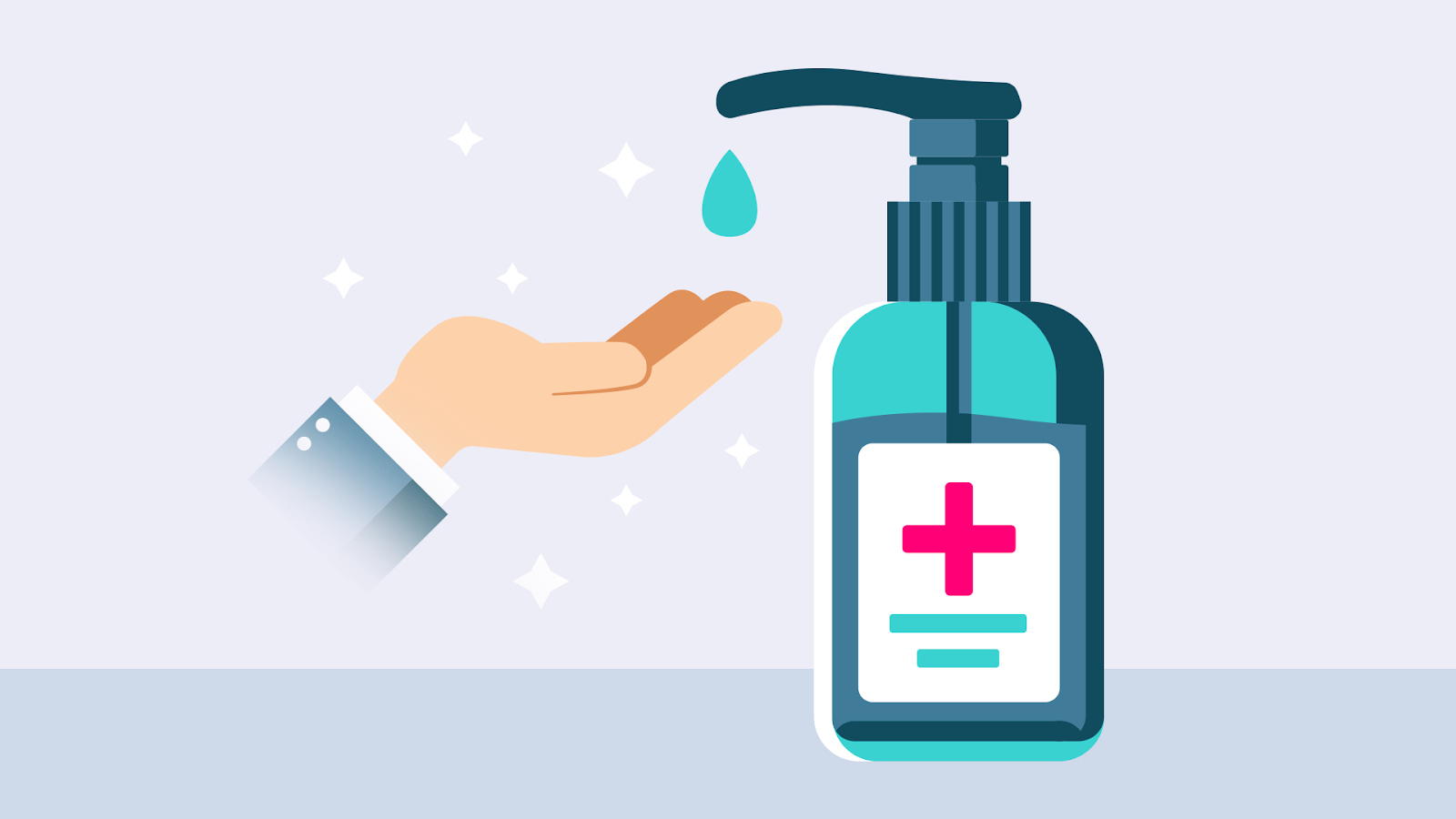
Sanitary wipes make it easy for employees to clean their desks and keyboards after work. And hand sanitizers can help them kill off any germs on their hands, thus making them one of the most important hot desking accessories.
Your office should prohibit employees from eating at their hot desks on days they decide to work in the office. Instead, they should be eating in your office kitchen.
Eating at a hot desk can leave crumbs and facilitate the spread of germs in the office. Also, leaving a desk with food or food remnants on the table disrespects the employee who has reserved the spot next.
Recent research shows how common it is to work while sick. A 2025 study covered by Harvard Business Review estimated that nearly 90% of US employees worked while sick in the past year, and 40% hesitated to use the sick leave they had. (Harvard Business Review / University of South Florida research, 2025.)

To maintain optimal hot desking hygiene, this isn’t the work environment you want to encourage for your employees.
Employees who “power through” illness could spread it to others in the workplace. And, the truth is, they’re unlikely to perform their best at the office if they’re sick.
Instead, if employees aren’t feeling their best, allow them to take a sick day and stay home — and consider a more flexible sick-leave or PTO policy (such as “flexible time off”) that ensures they feel that they can take the day off without sacrificing their pay.
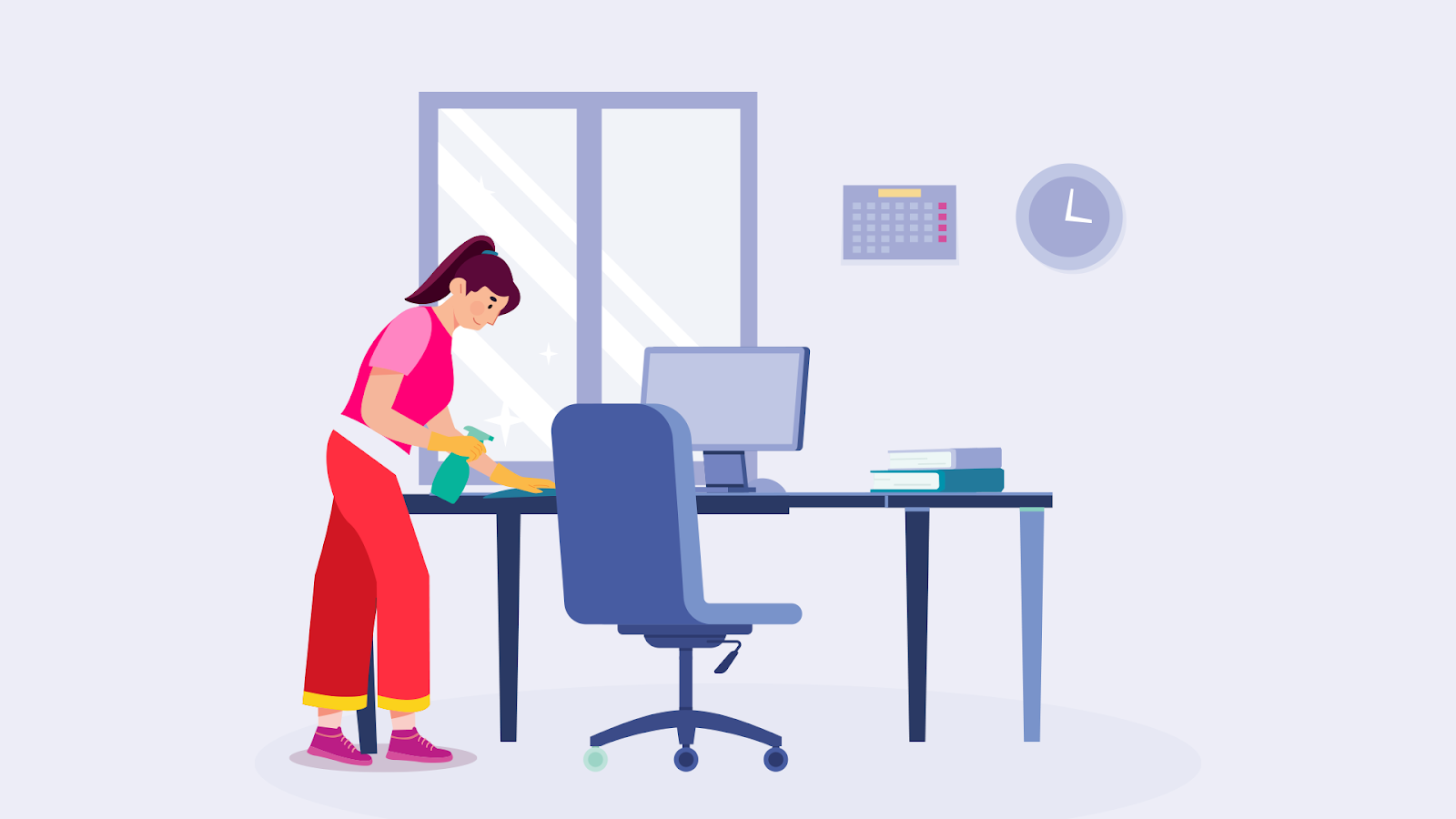
Clean a hot desk twice: once when you arrive and once before you leave. The arrival wipe covers anything the last person missed. The exit wipe is courtesy for whoever books the desk next.
Focus on the parts hands touch most: the desk surface, keyboard, mouse, monitor controls, and any shared phone or dock. Those hold the most germs.
Facilities teams should still run a deeper clean once a day, using disinfectant rather than soap and water, since many cold and flu viruses stay viable on hard surfaces for up to 48 hours. The University of Arizona work also found that adding wipes, hand sanitizer, and regular hand washing sharply reduced the share of surfaces that ended up infected. (University of Arizona.)
Daily blanket cleaning treats every desk the same, even the ones nobody booked. In a hybrid office where attendance changes day to day, that spends cleaning hours on empty desks and can under-clean the ones that saw heavy use.
Desk-booking and occupancy data change that. When you know which desks were booked and checked into, you can send cleaners to those desks and skip the rest. Workplace analytics vendors report cutting routine cleaning cycles by roughly a quarter when cleaning follows real usage instead of a fixed route. (Occupancy sensor vendor data, 2025.)
Some occupancy sensors also push a cleaned-or-not status back into the booking app, so an employee can check whether a desk has been cleaned before they reserve it.
OfficeRnD Workplace records which desks employees book and check into, so facilities teams can plan cleaning rounds around how the office is actually used.
OfficeRnD Workplace is hybrid workplace management software that lets employees book desks and meeting rooms and gives facilities teams the usage data to keep shared spaces clean.
Prioritizing hot desking hygiene in the workplace does more than protect your employees’ well-being.
It also helps create a work environment in which employees can deliver their best possible performance — which means everyone wins!
OfficeRnD Workplace is a hybrid workplace management and scheduling software that can help your organization thrive.
It’s completely embeddable and includes a meeting room booking system, desk booking system, advanced workplace analytics and much more.
Click here to book a live demo with OfficeRnD Workplace and talk with one of our workplace specialists.
Wipe a hot desk when you arrive and again before you leave, focusing on the desk surface, keyboard, mouse, and any shared phone. Facilities teams should run a deeper disinfectant clean at least once a day.
It can, because more people touch the same desk and equipment across a week. Studies of shared and open-plan offices link them to higher sick-leave rates than private offices. A clear cleaning routine and use-based cleaning bring the risk down.
Here are some of the health risks associated with hot desking:
Hot desking is a work model in which employees have no assigned desks. Instead, they can decide on which days they’d like to work at the office and which they’d like to work at home. The days they come into work, they can find a desk in an ad-hoc manner, rather than maintaining a designated office desk just for them.
Hot desking is similar to working in a library, where it’s “first-come-first-served.” But you’ll need to reserve your desk in advance using space management software, or your favorite spot might not be available.
Also, implementing this model requires you to know how much space you actually need. Use this free calculator for that.
A clean desk policy is a set of guidelines that each hybrid employee must adhere to in order to keep the workplace clean. It’s a way of holding everyone accountable to maintain hot desking hygiene standards and ensure a respectful environment.
Different ways that hybrid employees can keep hot desks clean include using sanitary wipes, not eating at their desks, and respecting the clean desk policy you’ve put in place.
The hot desking tools you’ll need for proper cleaning include a desktop vacuum, sanitary wipes, and an air quality and circulation system in place. You can also use hybrid work software to keep all your hot desk policy rules in one place.
Some of the most common illnesses in the office include the common cold, influenza, stomach flu, strep throat, and pink eye.
The rules for hot desking can vary depending on the organization and the specific hot desking policy in place. However, here are some common rules for hot desking:
1. Clean up after yourself: Employees should clean their workspace before and after use to maintain hygiene and ensure that the workspace is ready for the next user.
2. Respect others’ space: Employees should respect the workspace of others and avoid moving or rearranging items that belong to others.
3. Use headphones: Employees should use headphones when listening to music or taking phone calls to avoid disturbing others.
4. Don’t leave personal items: Employees should not leave personal items at the hot desk, as it may be used by others when they are not present.
5. Follow security protocols: Employees should follow security protocols when using shared equipment, such as computers and printers, to protect sensitive information.
6. Be punctual: Employees should arrive on time for their scheduled hot desk time and vacate the space when their time is up.
7. Report issues: Employees should report any issues or problems with the hot desk, such as broken equipment or cleanliness issues, to the appropriate person or department.


![The Hybrid Work Trends That Will Shape 2027 [Webinar]](https://www.officernd.com/wp-content/uploads/2026/11/The-Hybrid-Work-Trends-2027-1-336x150.png)

Eager to learn the real flex and coworking space trends for 2027 without the hype? Read on.
Book a desk and parking spot in one flow, and join a waitlist when the car park is full.
Compare 6 Skedda alternatives on price, IT fit and G2 reviews.
![14 Best Space Management Software Tested and Compared [2026]](https://www.officernd.com/wp-content/uploads/2022/07/Manage-Shared-Seating.png)
The best space management software in 2026 is OfficeRnD Workplace. This is a complete buyer's guide.

The average flex operator connects 1.65 of 5 core systems. See what the gap costs and how to fix it.