Best Conference Room Technology [2026 Full Guide]

15 mins read
Published: May 17, 2024
Last updated: Jul 31, 2026
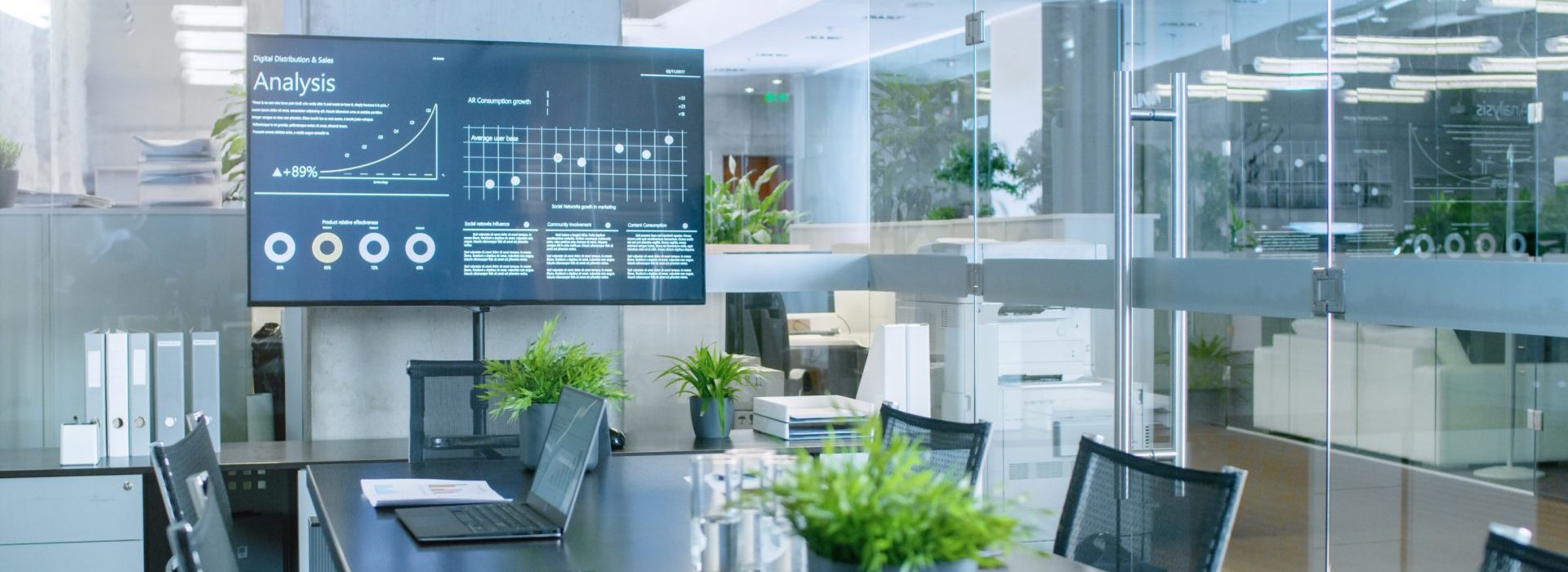
Outdated or ineffective technology is a quick way to sour your relationship with the people who use your facility. Companies want conference room technology that’s modern, easy to use, and adaptable.
Whether you’re a facility manager, team leader, or IT professional, it’s your job to make sure your conference rooms are equipped with solid tech. At OfficeRnD, we help leaders manage their facilities every day. This guide walks you through the specific tech features we recommend for your conference room, plus how to choose and set up the right technology.

Quick Summary:
Conference room technology is the set of audio, video, display, and booking tools that let people in a meeting room and people joining remotely see, hear, and work together clearly.
Whether your team works mostly hybrid or fully on-site, you need the right conference room technology for a productive meeting. Remote employees want to collaborate in real time and feel as if they’re in the same room.
As a manager, your job is to give team members what they need to do their best work. That means keeping up with conference room technology trends and equipment that supports productivity and collaboration.
Budgets aren’t unlimited, though. You may need to pick a single meeting room to have everything you want.
Other meeting rooms might have smaller sets of tech features. Some may have only the bare essentials.
Your goal as a facility manager is to invest in tech that keeps people coming back and avoids the cost of constant maintenance or turnover. Tools that serve diverse audiences keep your hybrid workplaces running.
Here’s a quick guide on how to set up a meeting room for success.
Now to the conference room specifics.
There are many ways to improve your conference room and give attendees the experience they expect, and ultimately build high-tech conference rooms. Here are the main ones:
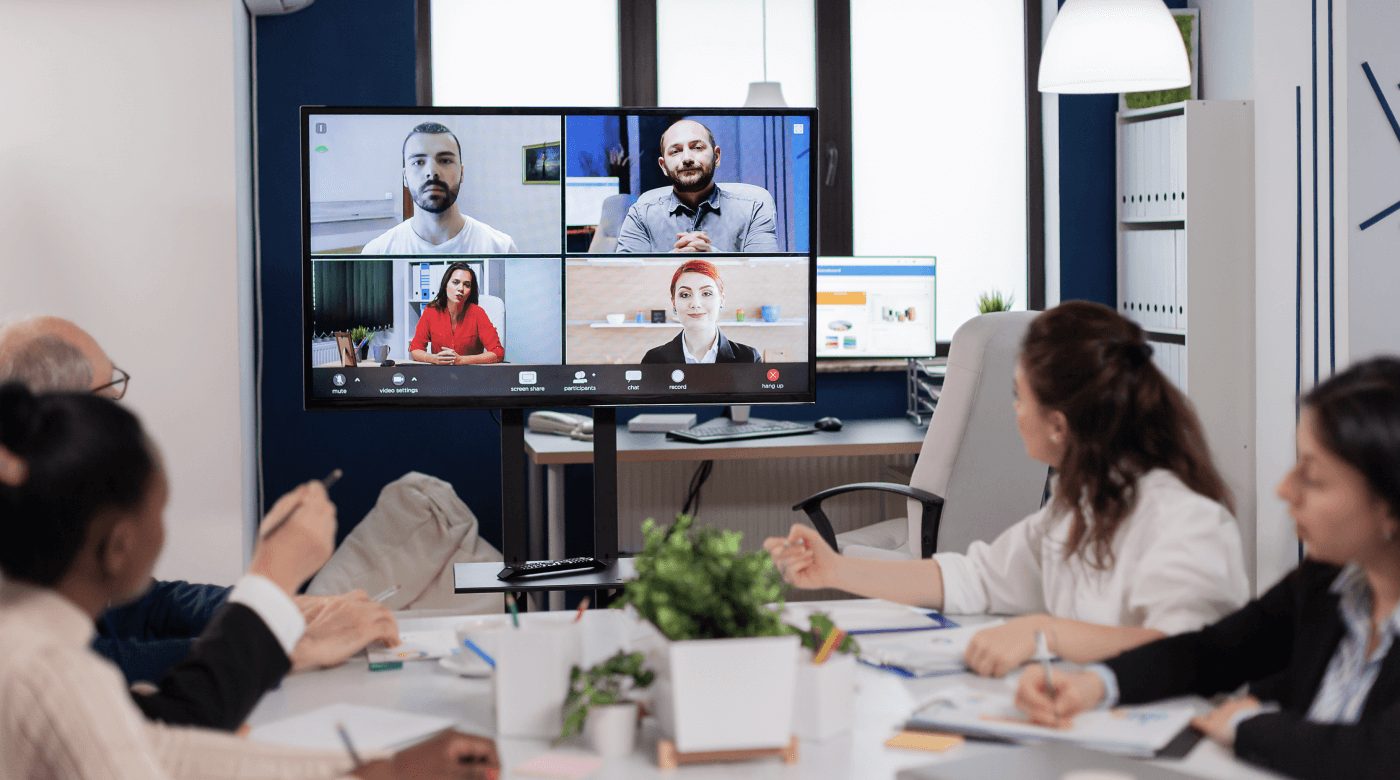
It makes little sense to invest in expensive cameras and displays if the room’s lighting is poor or even average. Remote conferencing and filming in-person presentations both require proper lighting.
Well-lit rooms also keep people focused, attentive, and productive. Pick the right system, such as one with motion sensors, and you can cut your facility’s energy use.
Here’s a good list of the best office lighting options.
And here are three brands known for conference room lighting systems:
Wireless connections remove the need for cumbersome cables. They make meeting setups simpler and keep the room more organized.
Many technologies depend on strong wireless connectivity, including:
If you’re managing a facility, make sure your conference rooms can handle high-bandwidth demands, because multiple hybrid teams will likely need them at the same time.
Hybrid work is part of the equation now. It improves work-life balance, increases productivity, and supports healthier routines.
To keep virtual meetings and brainstorming sessions engaging, you need tools with clear visuals that let everyone take part. The software you choose should support high-definition video. Screen sharing and remote control access let presenters deliver more dynamic presentations.
Here are the presentation and collaboration tools worth considering:
Working under a hybrid model? Here’s an in-depth article on the best hybrid meeting equipment.
For effective collaboration between team members, no matter where they’re located, digital whiteboards help you deliver presentations. Users can also share documents and photos and interact across devices with these tools.
Interactive displays let people work directly with content, add notes, or make changes in real time. Touch screens, stylus pens, and the right software help teams brainstorm and visualize together.
Here are three whiteboard and interactive display options to consider:
Sound needs careful attention when you set up or refurbish a modern conference room. Clear audio keeps people focused and involved.

Several systems use noise and echo cancellation. Some feature AI-powered mixers and denoisers so audio stays clear as conditions change.
These tools give the conference room a professional feel.
Here are three brands known for audio conferencing equipment:
Now to get specific about the audio, starting with microphones.

Remote participants need to hear and be heard by everyone else in the meeting. Quality microphones capture sound from across the room.
A large venue may benefit from one or more ceiling-mounted microphones or speakers. A smaller meeting room might do fine with conventional microphones and wall-mounted speakers.
Microphone systems with directional capabilities or automatic speaker detection can adapt to who’s speaking and where they are in the room.
Here are three brands known for conference room microphones:
Google Meet, Microsoft Teams, and Zoom on their own aren’t always enough. It gets awkward when some people are around a table in a meeting room while others join virtually.
You need video conferencing hardware to capture clear video. You also need to show remote participants and content on a big screen or video wall.
Put that together with a good sound kit and you get a meeting where communication stays clear and productive.
Here are three brands known for video conferencing equipment:
The camera is a key part of any video conferencing system.
There are many options, including:
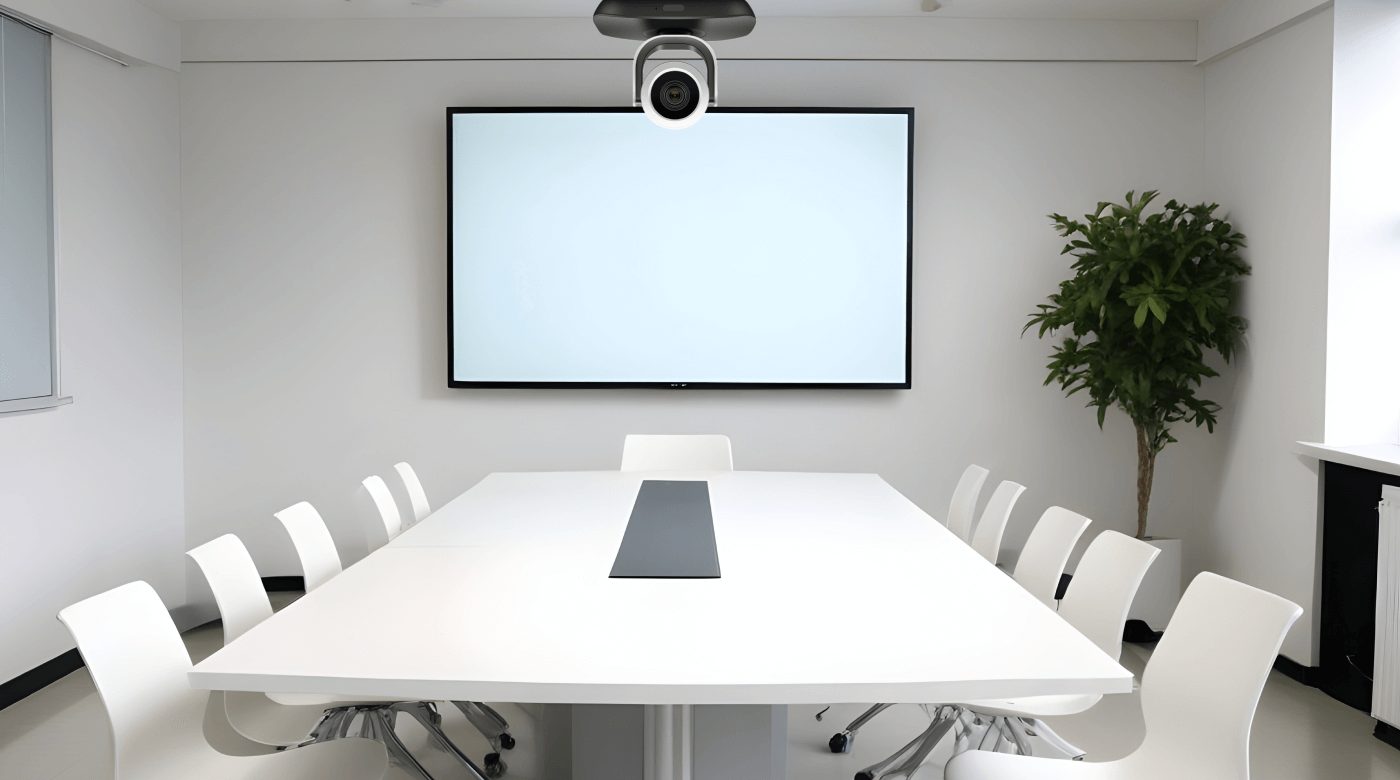
Some models use AI to track and zoom in on whoever is speaking. That’s useful for remote participants, though it can distract people in the room if the images are projected live on a big screen.
Personal preference matters too. Your setup should let participants opt in or out of camera use.
They may feel certain cameras are invasive, or they may need to limit camera use while sharing sensitive information.
You want each person to feel comfortable and in control of their environment.
Here are three brands known for high-definition cameras:
Large screens are standard in most conference rooms. They used to be just for presentations or video clips. Now they also show everyone in a meeting, including remote participants, while discussions are underway.
There are several options for these screens:
These tools sit at the center of conference and meeting rooms and get used constantly.
Here are three brands known for conference room displays:
A meeting room booking system makes reserving rooms simpler and prevents double bookings and scheduling conflicts.
It makes room availability clear, so teams can plan and coordinate. It also helps make sure meeting spaces get used well.
In short, they matter.
OfficeRnD Workplace is a workplace management solution with an easy-to-use meeting room booking system.
It lets you:
Often the last piece of business in a meeting is picking a date and time for the next one with the same group.
Meeting room displays usually extend a booking system, showing room availability in real time. That lets people set a date and reserve the same room for a future meeting.
Attendees can also check the meeting room display before each meeting to confirm they’re in the right place.
OfficeRnD Workplace offers meeting room displays that improve visibility, cut booking confusion, and integrate with Outlook and Google.
When it comes to choice, you need to know the best conference room technology for you.

Think ahead as you invest. Voice recognition and AI-assisted meeting tools are now common in conference rooms, and AI camera framing and noise reduction are becoming standard features. Watch for those.
Each facility also has site-specific factors, including:
The exact mix of technologies and products is up to you. Balance your budget against what your users actually need.
If you’re a facility manager, consult your clients directly to get their input. Real client data beats guessing at what they want.
Choosing the right conference room technology for a hybrid workplace means weighing a few factors so communication and collaboration hold up for both in-person and remote participants. With most remote-capable employees now working hybrid or fully remote, conference rooms need technology that supports people wherever they join from.
Start by understanding your team’s needs. Look at the types of meetings you typically hold, whether small huddles, large presentations, or brainstorming sessions. Count participants, in-person and remote, and consider how much interaction each meeting needs.
Clear audio is essential. Choose microphones that capture voices accurately and cut background noise. Ceiling and boundary array microphones from Shure and Audio-Technica are strong choices. Make sure your system includes reliable speakers for clear sound output.
Interactive displays support collaboration by letting participants share and annotate content in real time. Displays like the Samsung Flip 2 or the LG 86TR3BF-B offer touch and high-resolution screens that keep meetings productive.
Pick a communication platform that ties video, audio, and collaboration tools together. Microsoft Teams, Zoom, and Cisco Webex all support meetings that mix in-person and remote attendees.
Make sure the technology works with your existing systems and is easy to use. Complicated setups slow people down and cause frustration. Favor solutions that require little technical expertise to operate.
Think about how the technology grows with you. As your team expands, your conference room setup should handle more users and adapt to new needs. Modular systems make that easier.
Weigh these factors carefully and you can pick conference room technology that supports collaboration, hybrid work, and productivity.
Buying and installing conference room technology isn’t plug-and-play. Setting it up for your facility can get complicated.
Here are a few things to keep in mind:
For the best audio and visual experience, pay attention to the room’s layout and acoustics.
There are four things to consider:
Companies need to feel their confidential information is safe at your facility.
How much security you need depends on how sensitive the information is and who your clients are. All companies are bound by at least some data privacy rules.
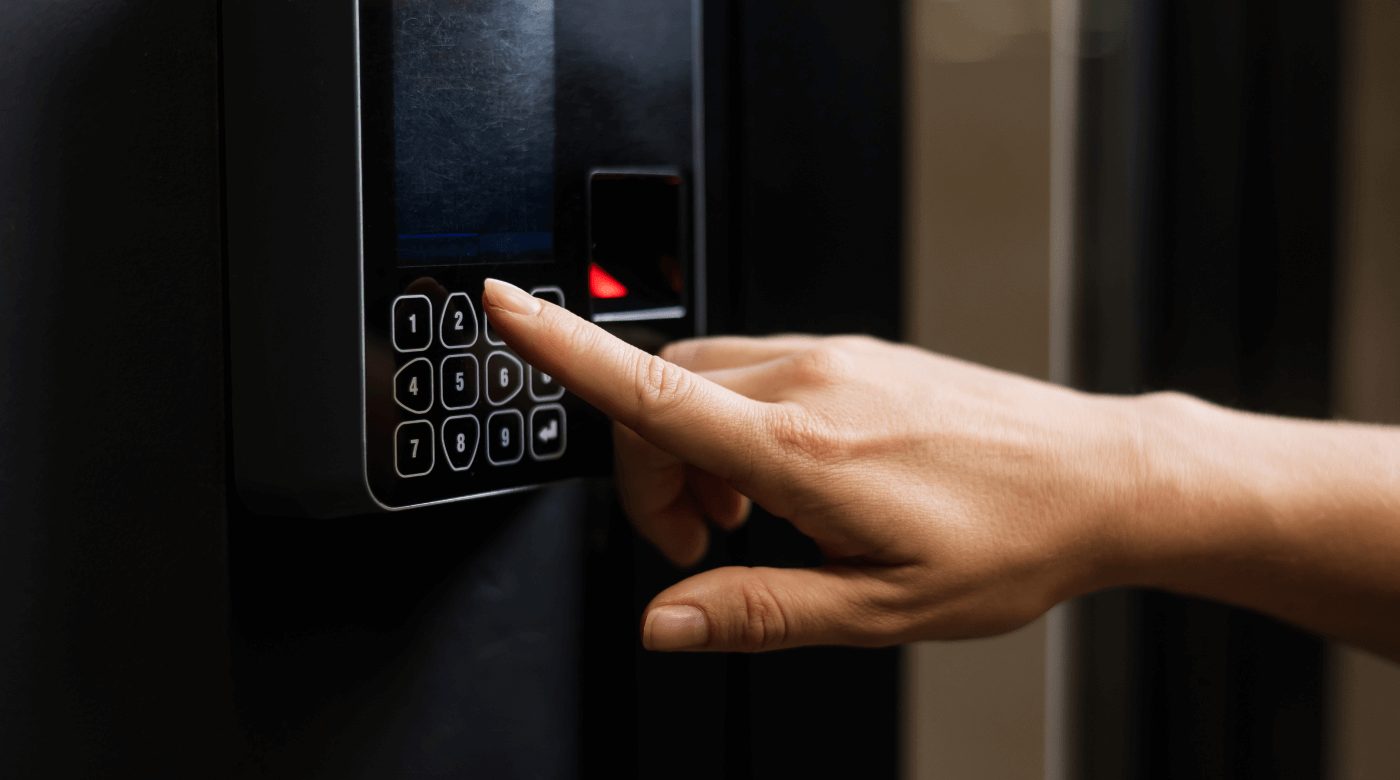
Here are several security measures to have on hand:
Upgrading an existing or new facility isn’t cheap. To get a solid return, understand what your target clients or team members want. Survey users or analyze data on how your facilities are being used.
New technology is also often misunderstood. It can be misused or broken if people don’t know how to use it.
Part of your job as facilities manager is to train staff on the technology you install. Staff should also keep up with the latest conference room technology trends.
Whatever workplace you manage, it depends on well-equipped conference and meeting rooms for team collaboration and communication. These spaces sit right at the meeting point of in-person and remote work.
As a facility manager, you want to serve your clients and protect your investment in these rooms. An easy-to-use workplace management platform like OfficeRnD Workplace does that, letting you book desks and meeting rooms and build a workplace where people and work both do well.
Get started for free with OfficeRnD Workplace to see what it can do for you.
Conference room technology is any product that improves the quality of meeting room discussions. This includes audio and video equipment, displays, and shared booking tools.
An immersive experience in a conference is the feeling of being part of the group, no matter where you are. Everyone takes part in the meeting whether they’re in the room or joining remotely. It may or may not involve virtual reality technology.
A smart meeting room is a conference or meeting space with automated systems or integrated technology that delivers an interactive, productive experience.
Essential conference room technology includes a reliable high-speed internet connection, a projector or large display for presentations, and audio-visual equipment for clear sound and video. Add a speakerphone system, HDMI and USB connections, and possibly an interactive whiteboard, and you support both in-person and remote collaboration.
The best system depends on your organization’s needs and room size. Zoom Rooms and Microsoft Teams Rooms are well regarded for ease of use, integration with other software, and reliable performance. Cisco Webex and Google Meet hardware also offer strong video and audio quality across various room sizes.
The Meeting Owl is popular for its 360-degree video and audio capture, but the Logitech Rally and Poly Studio are strong alternatives depending on your needs. The Logitech Rally provides high video and sound quality with a modular system that adapts to different room sizes. Poly Studio offers AI camera framing and speaker tracking, which suit larger rooms and active discussions.
The best technology for hybrid meetings combines video conferencing software with hardware that supports in-person and remote participants. Zoom and Microsoft Teams are common choices for screen sharing, real-time collaboration, and integration with other tools. Hardware like the Poly Studio X series or the Logitech Rally series improves audio and video so everyone can take part clearly.
Virtual meetings mainly use video conferencing software such as Zoom, Microsoft Teams, and Google Meet. These platforms offer video and audio calling, screen sharing, chat, and support for large numbers of participants. They’re widely used for their familiar interfaces and compatibility with various devices.
AI now handles several routine parts of a meeting. Cameras use AI to frame and follow whoever is speaking, microphones use AI noise reduction and denoising to cut background sound, and meeting platforms provide live transcription, notes, and summaries. These features come built into much of the current hardware from Logitech, Poly, Cisco, and Yamaha, so most rooms get them without extra software.



![The Hybrid Work Trends That Will Shape 2027 [Webinar]](https://www.officernd.com/wp-content/uploads/2026/11/The-Hybrid-Work-Trends-2027-1-336x150.png)

Eager to learn the real flex and coworking space trends for 2027 without the hype? Read on.
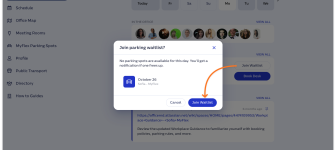
Book a desk and parking spot in one flow, and join a waitlist when the car park is full.

Compare 6 Skedda alternatives on price, IT fit and G2 reviews.
![14 Best Space Management Software Tested and Compared [2026]](https://www.officernd.com/wp-content/uploads/2022/07/Manage-Shared-Seating.png)
The best space management software in 2026 is OfficeRnD Workplace. This is a complete buyer's guide.

The average flex operator connects 1.65 of 5 core systems. See what the gap costs and how to fix it.