12 Best Hybrid Work Software Tested and Compared [2026]

39 mins read
Published: Jul 2, 2026
Last updated: Oct 23, 2026
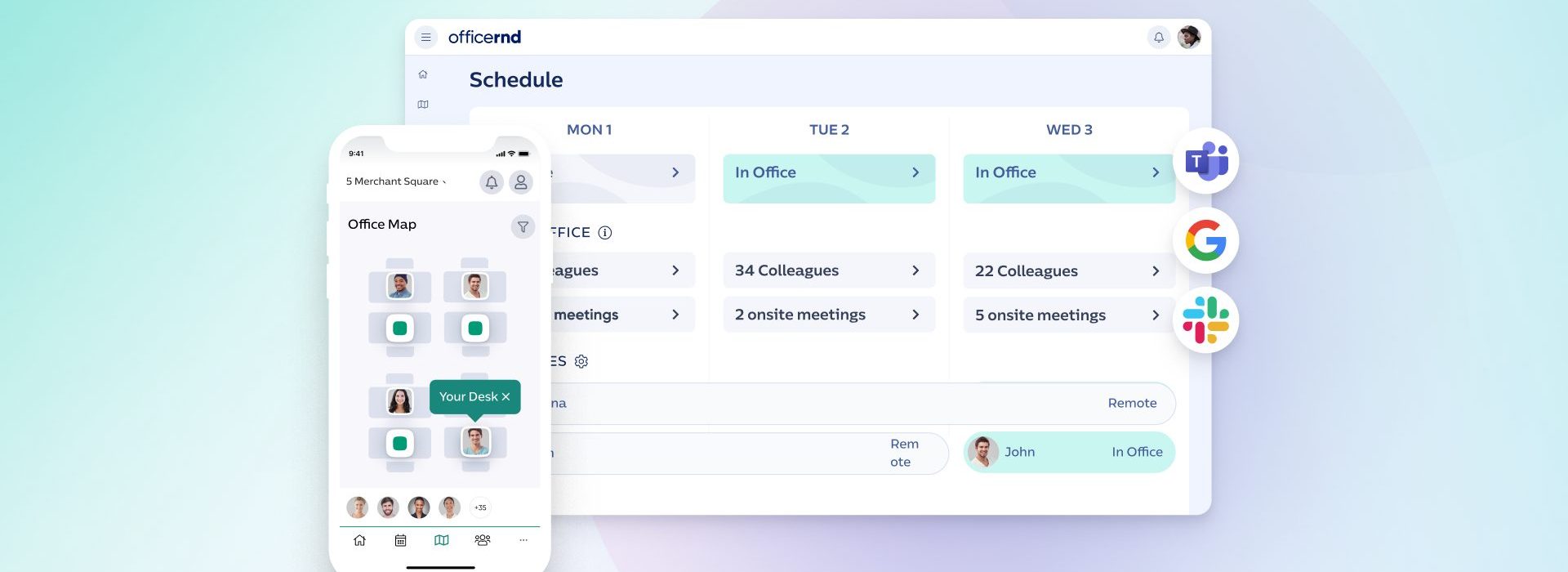
Run a hybrid office for a month, and the same pattern shows up. Tuesday and Wednesday, people circle the floor hunting for a free desk.
Thursday, the lights are on for nine people and half the booked rooms sit empty. Then Finance asks why the company pays for 400 seats that fill up twice a week, and nobody really knows what happens day to day.
At OfficeRnD we’ve spent 11+ years building hybrid work software and sitting with the people who run hybrid offices: facilities managers handed an RTO target, IT leads who get the ticket when a sync breaks, HR teams reading badge exports to learn why nobody comes in on Fridays.
Quick Summary:
Those conversations are where my read on this market comes from, and what separates a tool that earns its budget from one that becomes another forgotten login.
The good tools share four traits:
That year is published in full as our hybrid work data case study, covering desk bookings, check-ins, no-shows, and the weekday swing. Scoring against a live hybrid office instead of a demo tenant is what let me judge things like check-in enforcement and auto-release on 12 months of behavior.
And so, this guide compares the 12 best hybrid work software worth shortlisting in 2026, with who each fits, where it’s strong and weak, and pricing in plain terms.
A needed disclosure first: Obviously. I work at OfficeRnD, and OfficeRnD Workplace is one of the 12 platforms here. That said, it ran through the same scorecard as every other tool; I name where it falls short, and no vendor paid to rank higher.
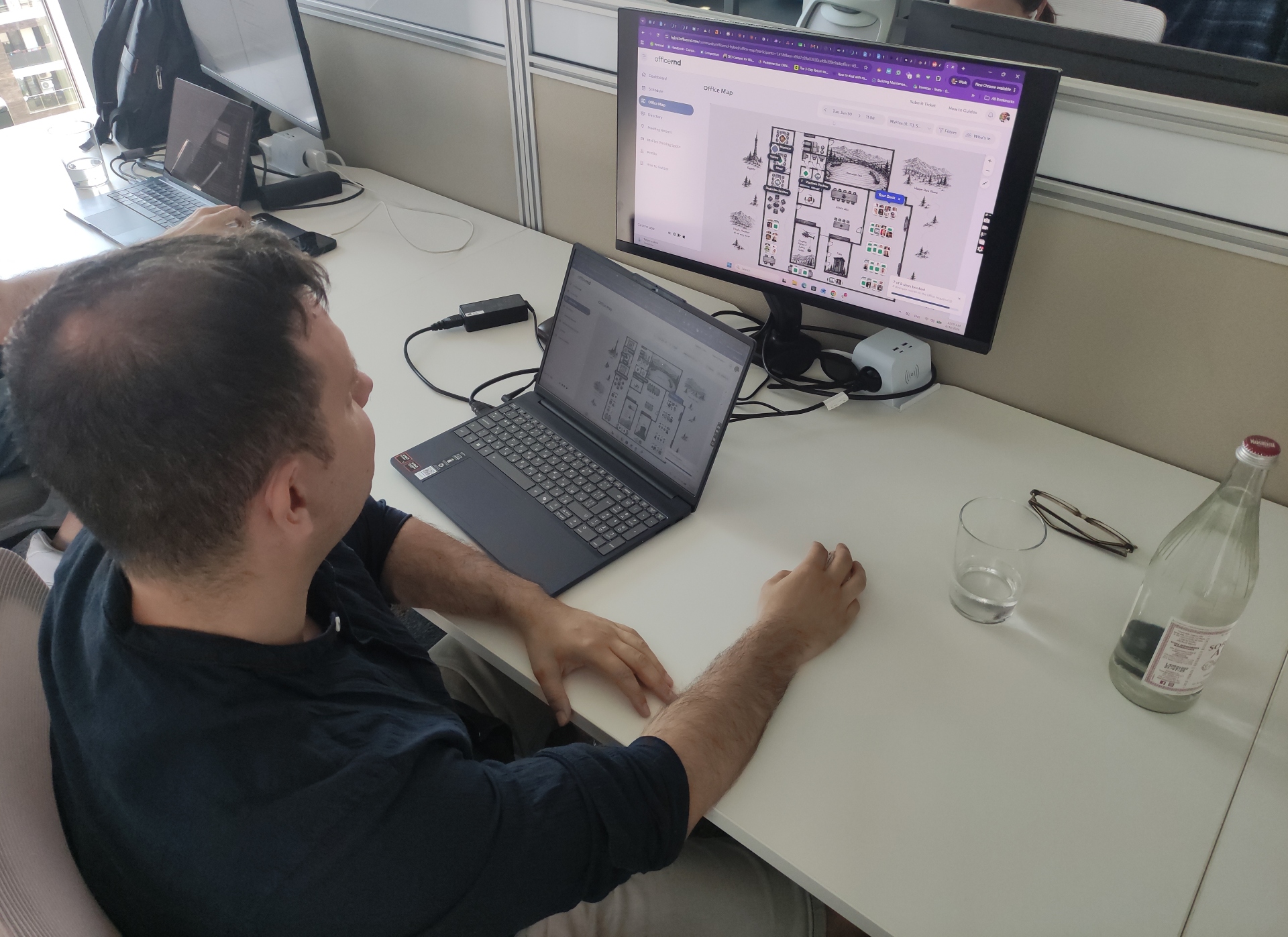
Testing hybrid work software
Every platform scored against the same 100 points, built around the eight things that decide whether hybrid software gets used once it’s live, not just how it demos.
| Pillar | Weight | What it measures |
|---|---|---|
| Hybrid coordination and scheduling | 20 | Seeing who is in, aligning team days |
| Employee adoption and ease of use | 18 | How fast people start without training, usability |
| Resource booking | 14 | Booking depth, policies, neighborhoods, floor plans, recurring rules |
| Workplace analytics and utilization | 12 | Occupancy data, attendance trends, reporting teams can act on |
| Integrations | 12 | Does it live in the tools employees already use |
| Admin, security, and enterprise readiness | 10 | Permissions, multi-location control, certifications, scalability |
| Support, onboarding, and implementation | 8 | Time to go live, onboarding quality, responsiveness after launch |
| Visitor management | 6 | Check-in, host notifications, NDAs, compliance logs |
Coordination and adoption carry the most weight on purpose: a tool with every feature still fails if people don’t open it. Re-weigh the table for your priorities and the rankings shift with you.
The sources are checkable: verified G2 and Capterra reviews, vendor docs, and public pricing, integration, and security details, and where I had access, I tested some tools myself.
Last but not least, the scoring was pressure-tested by Ivan Guberkov, OfficeRnD’s CEO and former Chief Product Officer, and Momchil Blaskov, Principal Product Manager.
| Tool | Best for | G2 rating | Starting price |
|---|---|---|---|
| OfficeRnD Workplace | Best overall | 4.8/158 | $99/mo |
| deskbird | Mid-market teams | 4.5 (308) | ~$3.75/user/mo |
| Skedda | Booking rules | 4.8 (284) | $99/mo |
| Robin | Enterprise-grade companies | 4.4 (211) | Quote-based |
| Kadence | Distributed teams | 4.5 (143) | ~$4/user/mo |
| Envoy Workplace | Visitor management | 4.4 (163) | ~$3/user/mo |
| YAROOMS | Regulated industries | 4.3 (95) | $99/mo |
| Joan | Room displays / hardware | 4.5 (257) | $49/mo |
| Team Today | Small teams | 4.6 (30) | Free for up to 10 employees, then $1.35 per user/mo |
| Pult | Automated attendance tracking | 4.8 (64) | Free ≤20 users, then €2.90/user/mo |
| desk.ly | Affordability | 4.8 (23) | Free ≤15 users, then €1.65/user/mo |
| anny | Self-service floor plans | 4.5 (81) | Free ≤5 resources, then $5/resource/mo |
Best for: Companies that want one platform to run hybrid work, give people a reason to come in, and see how the office actually gets used.
| G2 rating | 4.6 / 5 (158 ) |
|---|---|
| Pricing | Tiered, billed per bookable resource. From $99/mo, Professional from $399/mo (annual); Enterprise custom |
| Standout | Fast adoption, stellar onboarding and support |
| Best fit | Mid-to-large companies |
| Security | SOC 2 Type 2, ISO 27001, GDPR, CCPA, SSO, SCIM |
No, it’s not just because OfficeRnD pays my salary. It wins on the two things that usually pull against each other: adoption and admin depth.
The booking experience is light enough that people use it, and the analytics and policy controls underneath are serious enough for facilities and IT.
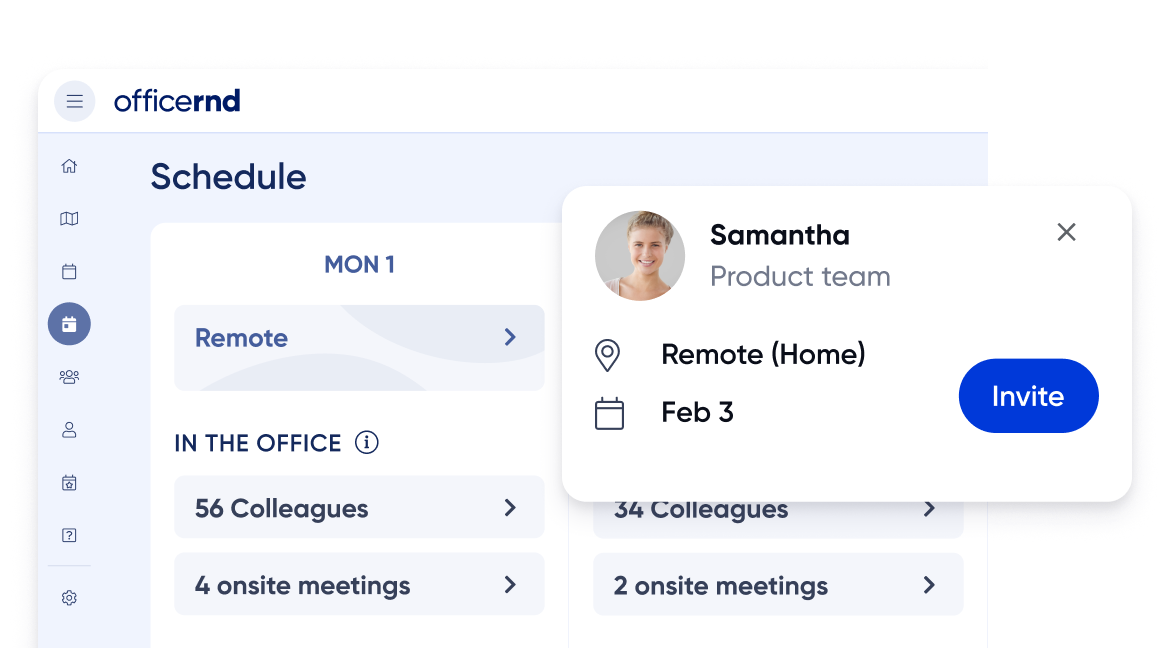
G2 reviews keep describing fast, hands-on onboarding and a product people use without training. For example, see how IES used OfficeRnD Workplace to get more people into the office across its Glasgow and Dublin sites.
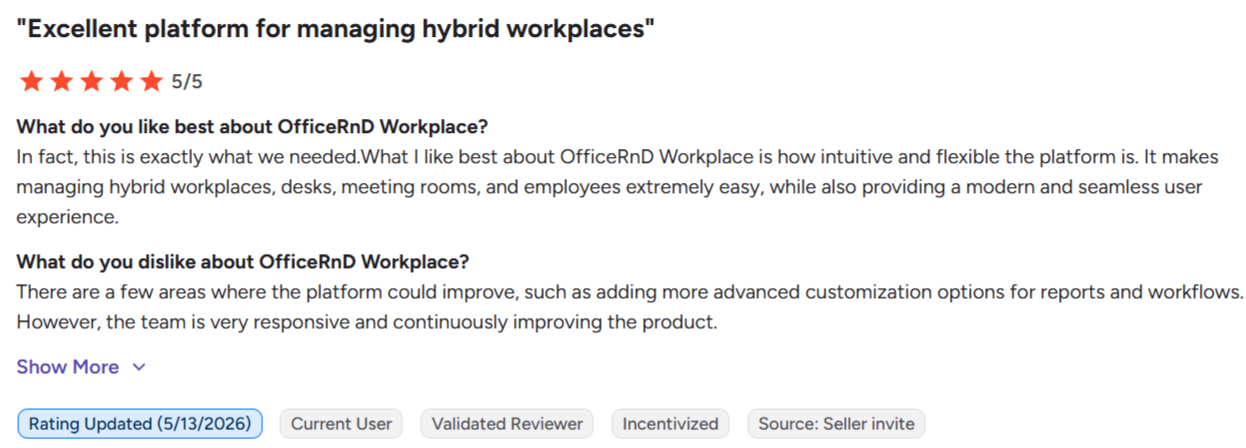
On G2, people like two things: employees book a desk in about two taps with no training, and admins name the onboarding team directly, with some going live in a few hours. Reviewers also point to the Microsoft 365, Teams, and Google Calendar integrations.
Source: G2
The most common gripe is minor: a booked desk doesn’t clearly show when it’s reserved for only part of the day.
Plans bill per bookable resource in four currencies (USD, EUR, GBP, AUD), with volume discounts and 15% off for higher education. Onboarding is guided; smaller teams go live in 2 to 3 hours, and multi-site rollouts get a dedicated success manager on Enterprise.
Pros
Cons
For a complete platform that employees adopt on day one and that gives your team real utilization data, it’s the top pick, especially for mid-market and multi-location companies running voluntary hybrid who care as much about experience as office costs.
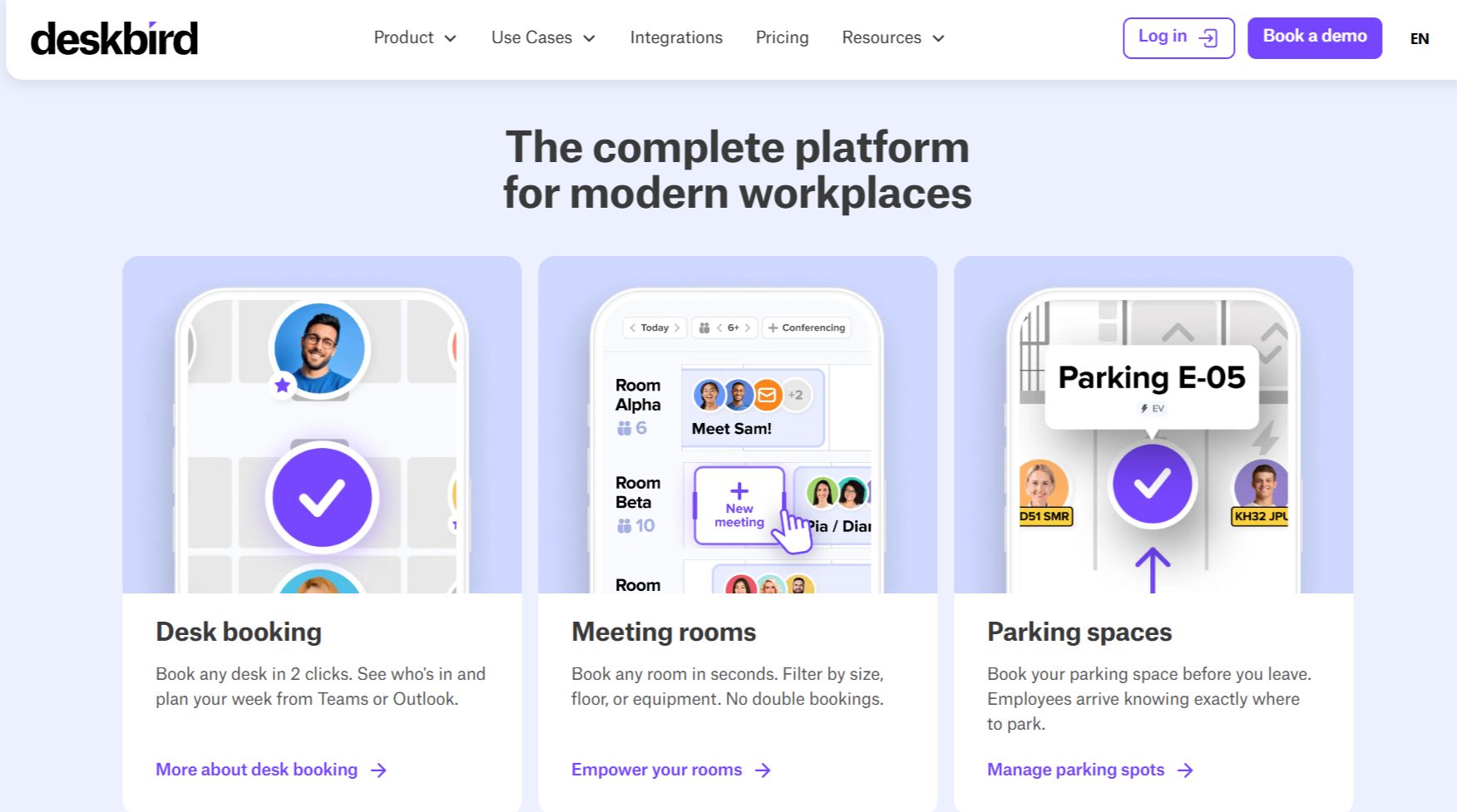
deskbird is the pick for mid-market companies that want booking employees enjoy using. Its mobile app and week planner are the most-praised parts, and that daily ease is what makes a voluntary policy stick.
| G2 rating | 4.5 / 5 (308) |
|---|---|
| Pricing | Per active user; Business from $3.75/user/mo (annual). Professional and Enterprise custom-quoted. Free Starter plan up to 15 users |
| Standout | Mobile-first week planning and colleague presence |
| Best fit | SMB to mid-market teams running voluntary hybrid |
| Security | ISO 27001, SOC 2 Type 2, GDPR, built and hosted in the EU |
Source: https://www.deskbird.com/
deskbird built its name on the employee side of hybrid and grew into a fuller platform with analytics, ticketing, and a visitor module.
The core draw is the week planner: people set office days, see who’s coming in, and book in a few taps from phone, Teams, or Slack, usually enough to settle attendance without a mandate. Watch the pricing shape, though: deeper analytics and API sit on quote-only tiers, SSO/SCIM and HRIS sync are a paid add-on, and per-active-user billing costs more than per-resource when employees far outnumber desks.
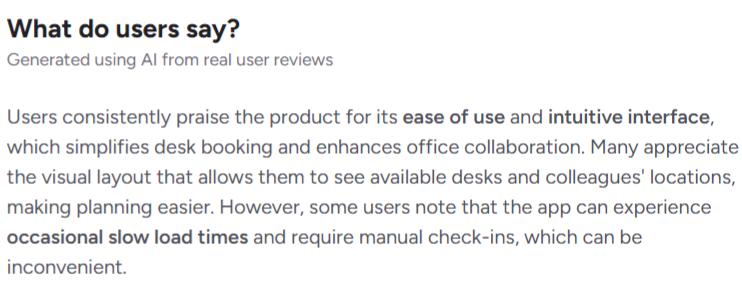
Reviewers keep naming the mobile app and floor-plan booking as why people use it without being told to, and onboarding gets called fast, with most teams live in days.
Source: G2
Business starts at $3.75 per active user/mo billed annually ($4.75 monthly), with a free Starter plan up to 15 users and a no-card 7-day trial. My one gripe: the upper tiers aren’t publicly priced, which makes comparison harder. Common in B2B SaaS, but still friction.
Pros
Cons
If you’re a mid-market company that wants a booking tool employees like, deskbird is a strong, fair-priced choice, especially for European buyers who value EU hosting. Companies that want bundled scope and pricing that stays flat as headcount grows will find vendors with a per-resource model a better fit.
Check out a full comparison between OfficeRnD Workplace and deskbird here.
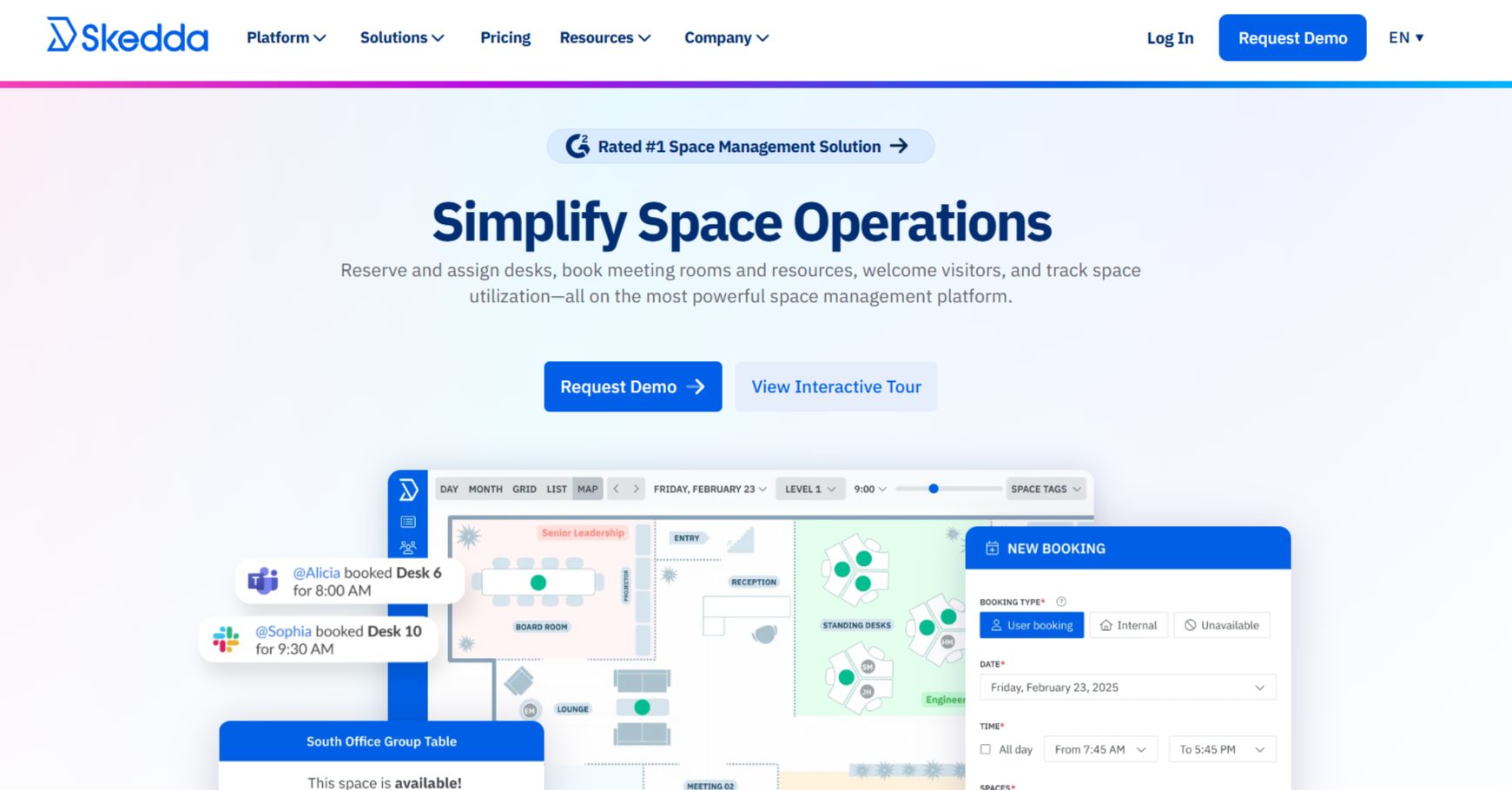
Looking at Skedda, you can tell it’s a booking engine first. If your problem is enforcing complex desk and room rules across sites, few tools here handle the logic as cleanly.
| G2 rating | 4.8 / 5 (284) |
|---|---|
| Pricing | Per space, unlimited users; from $99/mo (Starter, 15 spaces), billed annually |
| Standout | Deep booking rules-and-roles engine |
| Best fit | SMB to mid-market teams that need tight control over how spaces get booked |
| Security | SOC 2, SAML SSO; SCIM on the top tier |
Source: https://www.skedda.com/
Well, Skedda centers on control. Admins set who can book what, when, and for how long, with quotas, buffers, approvals, and advance-booking windows by department or tag across sites.
That rules depth runs deeper than anything else here, so for a finance firm, a university, or any org with strict allocation policies, it’s the reason to choose Skedda. Pricing is per bookable space with unlimited users, so cost stays flat as headcount grows, the reverse of deskbird’s per-user billing.
It stays narrower on employee scheduling, leaning on “who’s in” reports rather than a weekly-preference planner, and the full rules engine sits on the top tier.
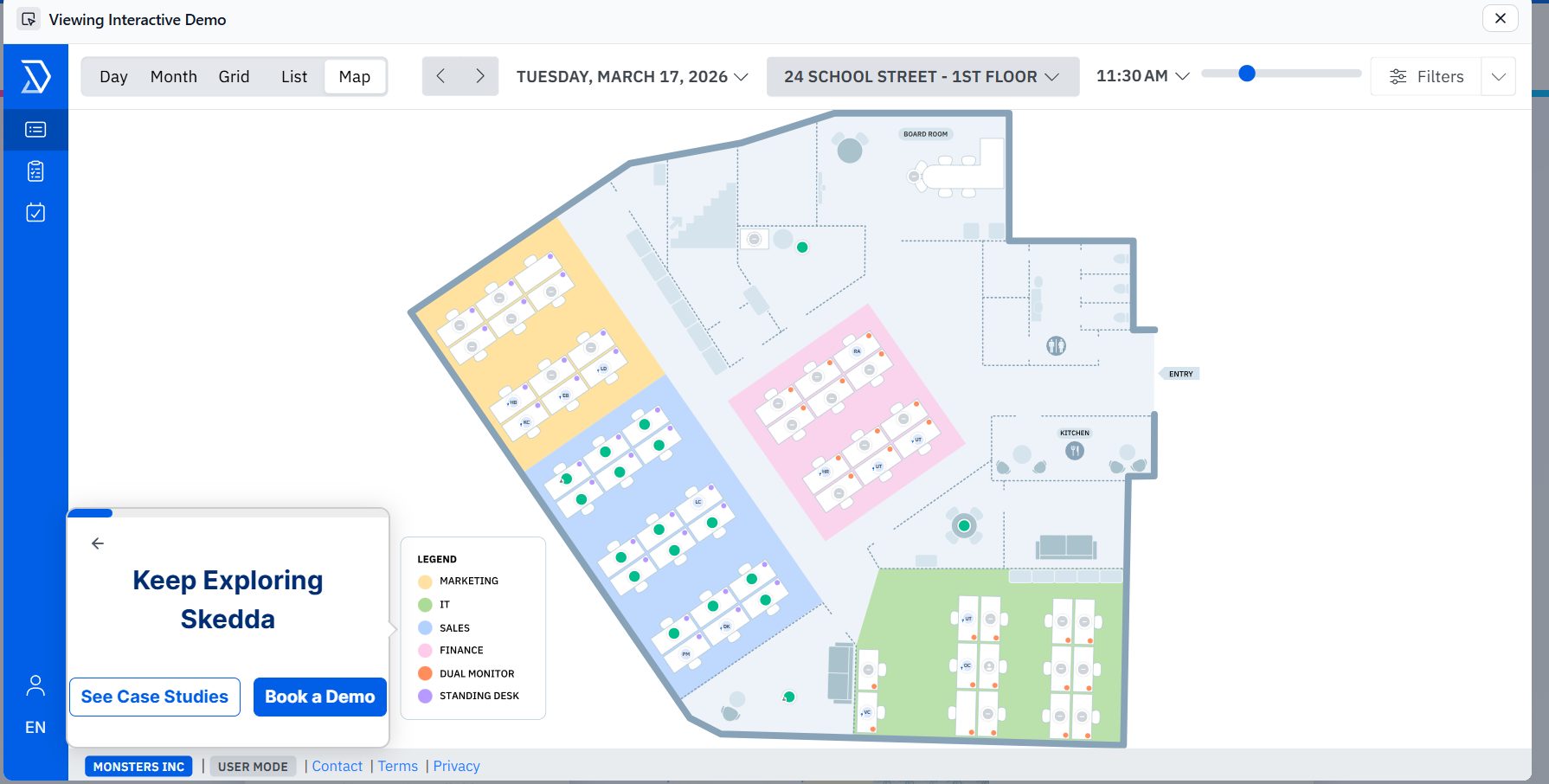
Skedda guided tour.
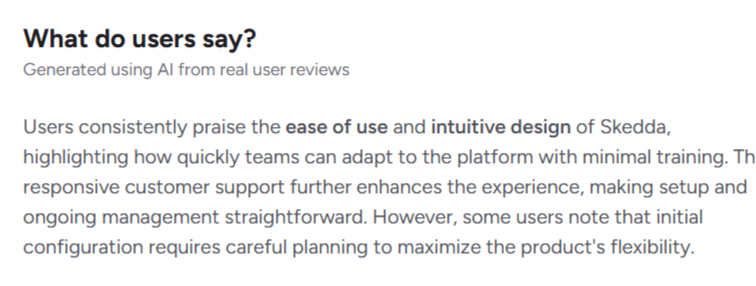
Reviewers praise fast setup (an account in under an hour), the interactive floor plans, and responsive support, and teams with many users and few rooms call the per-space pricing fair.
Source: G2
Per space, unlimited users, billed annually, from $99/mo on Starter (15 spaces, basic rules). Plus and Premier add more spaces and the full rules engine, with a custom Enterprise plan above and a no-card 30-day trial.
Pros
Cons
If granular booking control is your top priority and you have more people than spaces, Skedda is among the most capable, fairly priced picks for that job. On the other hand, Teams that want booking plus coordination, analytics, and visitor management in one platform will get more elsewhere.
And here you can explore more Sekdda alternatives that might be more suitable for your specific business case.
Robin is the enterprise option here, built for large, multi-office companies that want deep analytics and AI-assisted scheduling, and it prices and implements accordingly.
| G2 rating | 4.4 / 5 (211) |
|---|---|
| Pricing | Quote-only, not publicly listed, free trial available |
| Standout | Deep utilization analytics |
| Best fit | Large enterprises (500+ employees) running multiple offices |
| Security | SOC 2 Type 2, ISO 27001, GDPR, CCPA, SSO, SCIM |
Source: https://robinpowered.com/
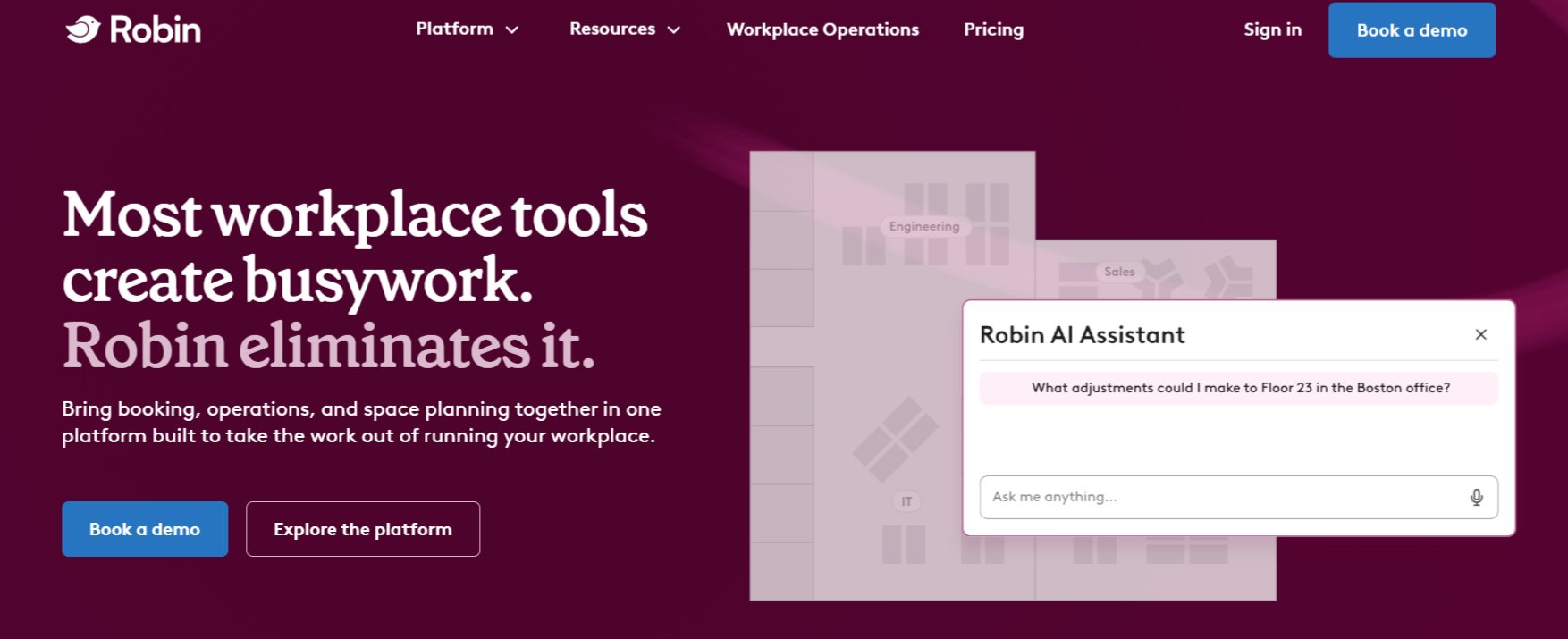
Robin started in 2014 as a room-scheduling app and grew into a full enterprise platform. Its strength is data: bookings combined with occupancy sensors and access-control feeds for utilization insight well past what most tools report, with 100+ KPIs and scenario-planning floor plans.
For a company running dozens of offices and justifying lease decisions, that depth is the draw, and it leans hard into AI with auto desk booking by proximity, room matching, and abandoned-meeting release.
The trade-off is that Robin aims at the top: recommended for 500+ employees, quote-only pricing, and rollouts longer than the hours-to-days from OfficeRnD or deskbird.
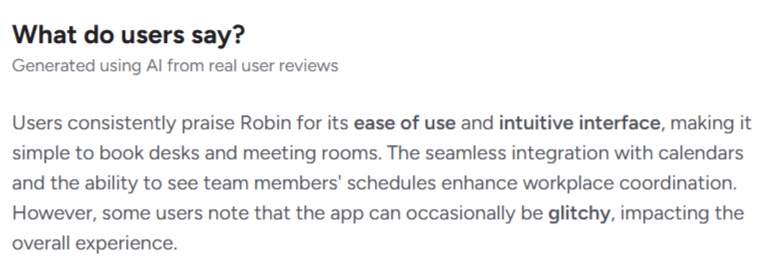
Employees call the booking experience easy, and reviewers single out the calendar integrations and “who’s in” visibility for planning office days. The analytics and floor-plan data draw consistent praise from workplace teams.
Source: G2
Pricing is not publicly listed; Robin uses custom quotes and recommends the platform for 500+ employees. That’s why – budget for extras: occupancy sensors and room displays are separate hardware, and larger rollouts often add onboarding and training fees.
Pros
Cons
If you run a large, multi-office estate and your priority is the richest possible view of how space gets used, Robin earns its place, especially if you’re already investing in sensors.
Mid-market companies, or enterprises that want a complete platform live in days with pricing they can see upfront, will find OfficeRnD Workplace or Skedda better balanced.
Check out a full comparison between OfficeRnD Workplace and Robin.
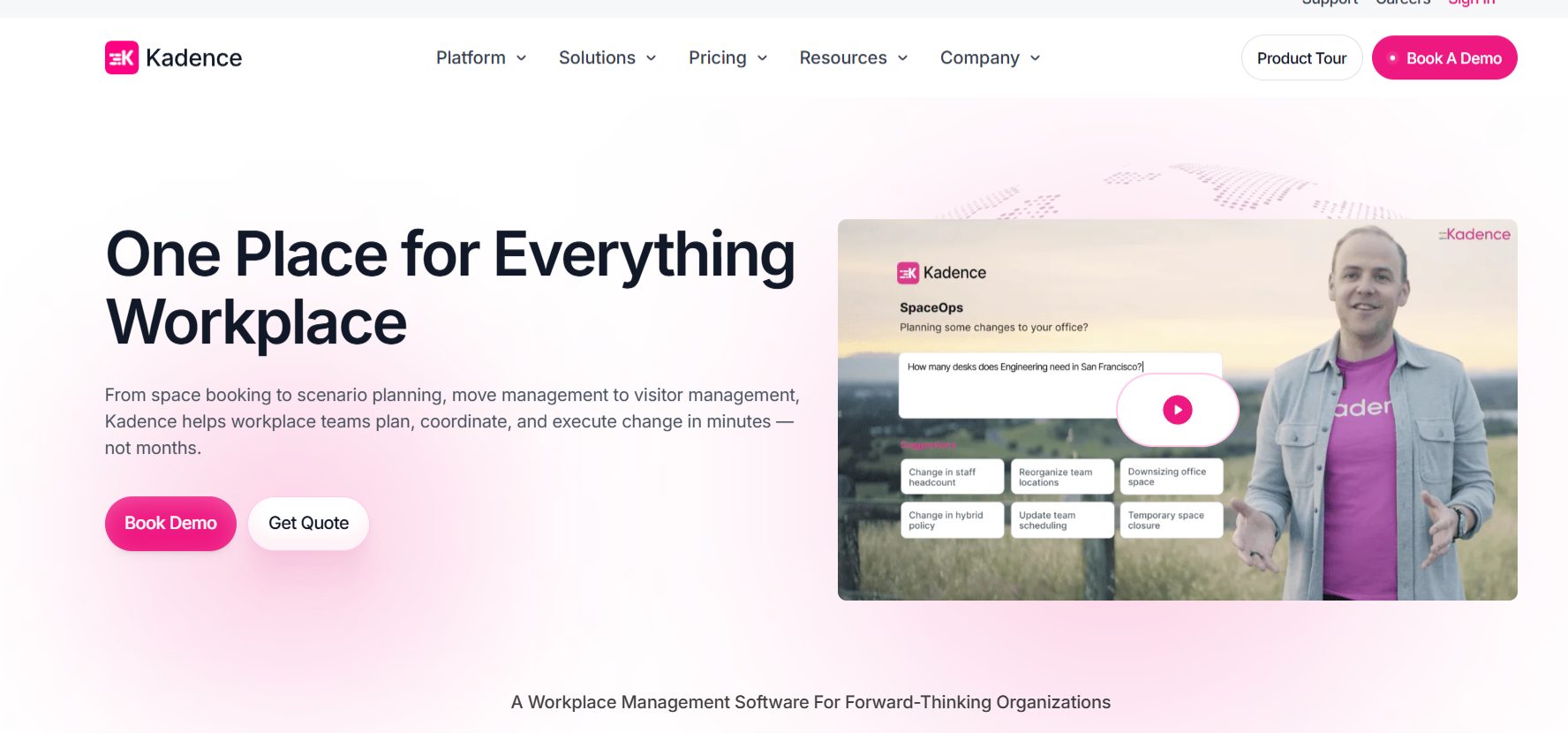
Kadence is built around team coordination and collaboration. For distributed teams that need to sync which days they’re all in, its schedule-visibility tools are the main reason to pick it.
| G2 rating | 4.5 / 5 (143) |
|---|---|
| Pricing | Per active user; Standard from ~$4/user/mo, billed annually (1-yr minimum). Enterprise custom. $250/floor setup. Free trial |
| Standout | Team coordination and schedule visibility for syncing in-office days |
| Best fit | Mid-market distributed teams (roughly 50 to 1,000 employees) |
| Security | GDPR, SSO, Active Directory and SCIM, 99.9% uptime SLA |
Source: https://kadence.co/
Kadence helps distributed teams decide and see when everyone’s in. Employees view floor maps, book desks and rooms, and check who’s coming in, so teams line up office days without the chat back-and-forth.
It sits close to deskbird on mid-market fit and per-active-user pricing (around $4/user/mo); the difference is emphasis, with Kadence leaning into team-day coordination and deskbird into mobile polish.
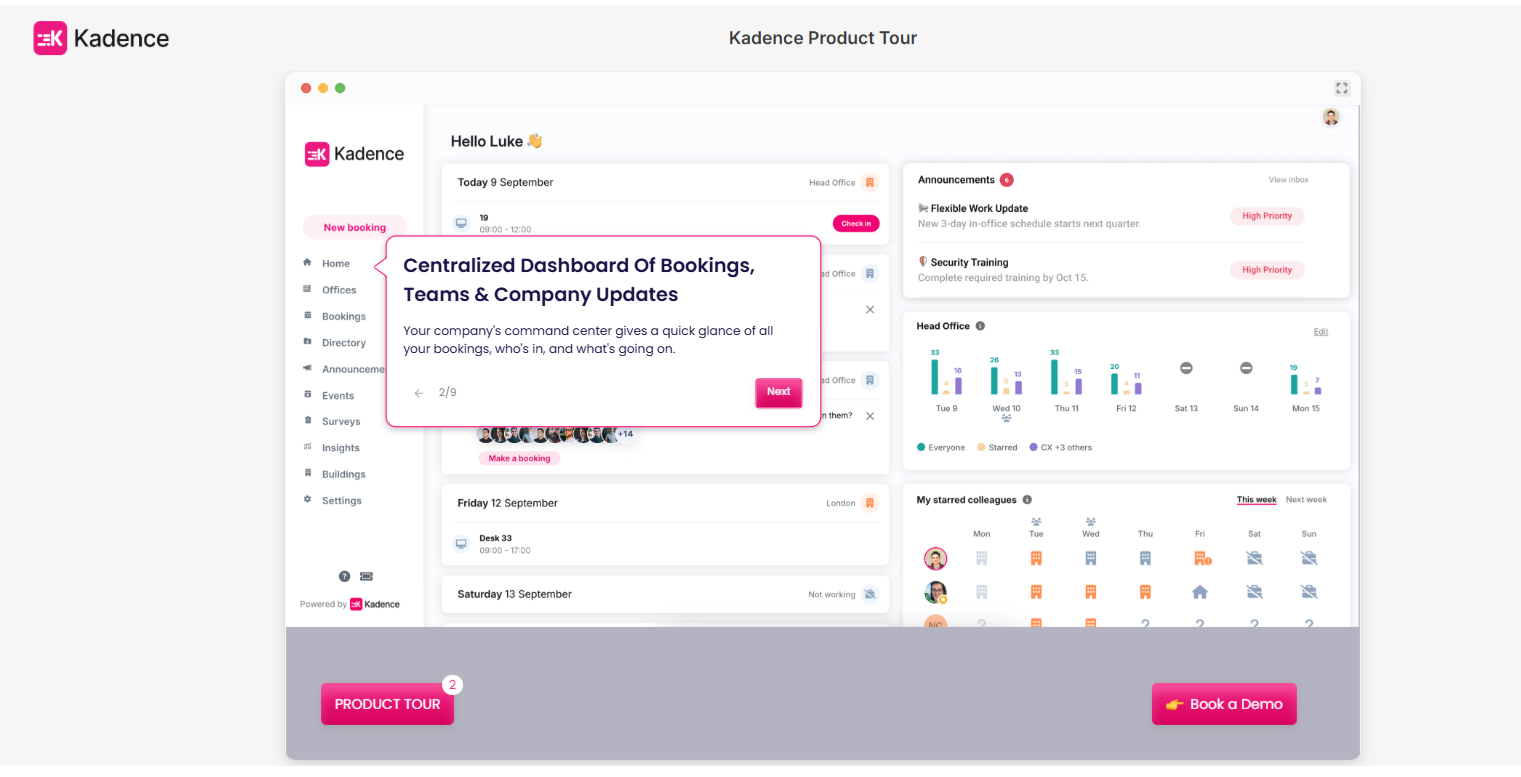
Testing the Kadence product tour.
Against OfficeRnD Workplace, for example, the trade is pricing and depth: Kadence bills per active user and keeps analytics lighter, where OfficeRnD bills per resource and bundles deeper reporting.
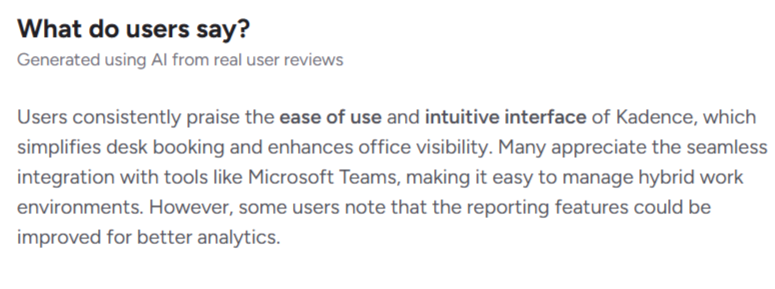
Reviewers call setup fast and self-serve, often live in days with little IT, and name the floor map, mobile booking, and “who’s in” visibility most, with steady praise for support and value. I went through the product tour: the employee-facing side is the strongest part, the command center gives leaders a live view of activity, and the design is one of the best-looking here.
My one frustration is that the tour isn’t interactive, so you don’t feel the booking flow until you’re in a trial.
Source: G2
Kadence bills per active user (anyone who books in a given month). Standard starts around $4/user/mo billed annually on a one-year minimum, with a custom Enterprise tier above. Floor-plan setup is $250 per floor, and there’s a free trial but no permanent free plan. Most teams go live within days.
Pros
Cons
If you run distributed or mostly-remote teams and your main problem is getting people in on the same days, Kadence is one of the better-fit picks here and a close call against deskbird on experience and price.
Companies that want flatter pricing as they grow, deeper analytics, or one platform spanning booking, visitors, and utilization will find other tools stronger all-round.
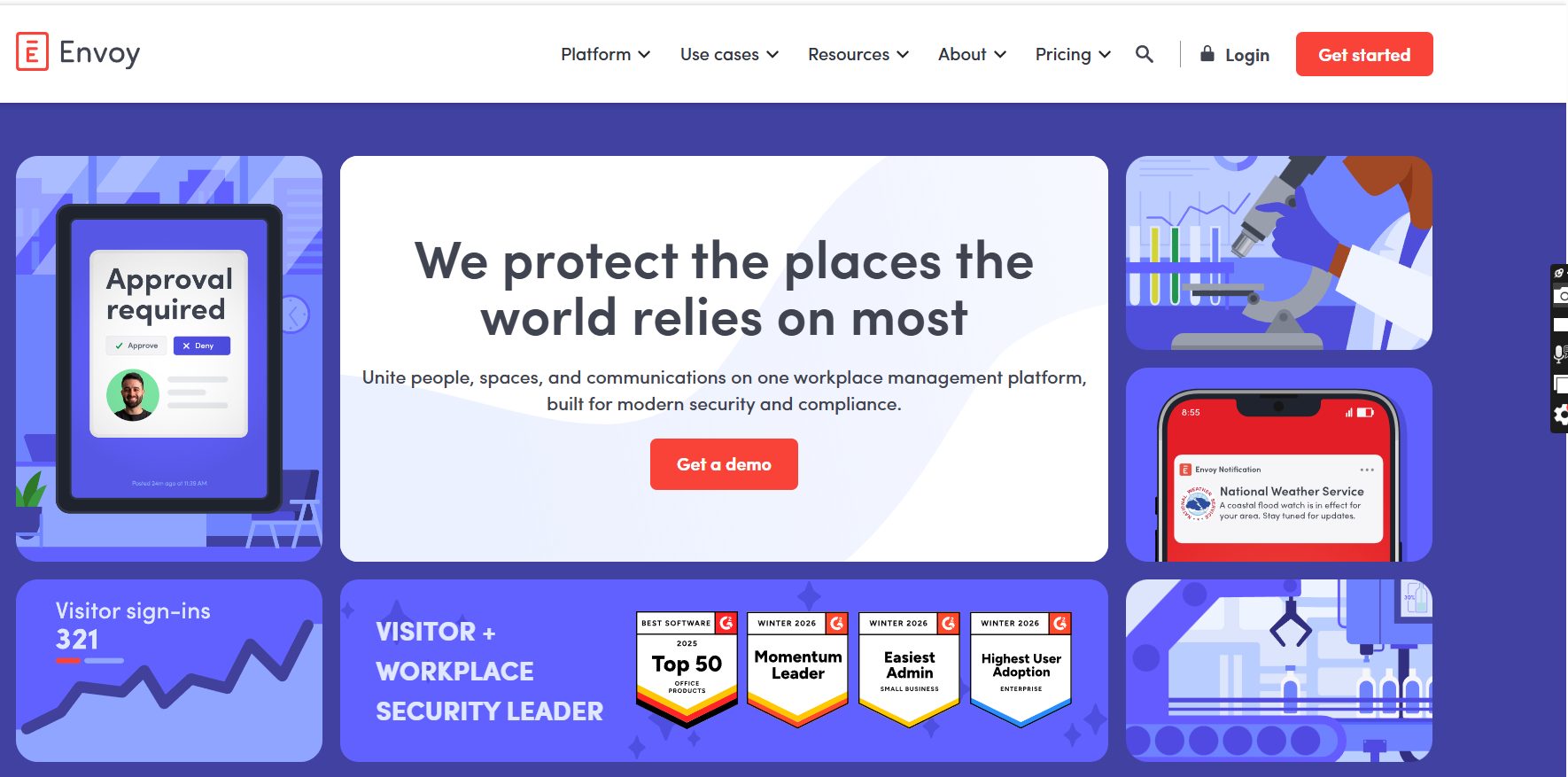
Envoy started as a visitor sign-in app, and that’s still where it leads. For a secure, compliant front desk across multiple sites, nothing else here matches it.
| G2 rating | 4.4 / 5 (163) |
|---|---|
| Pricing | Modular: required platform fee (flat annual, not public) plus per-module pricing. Reservations $5/resource/mo; Visitors free Basic tier, paid tiers per location/mo. |
| Standout | Deep visitor management system |
| Best fit | Security- and compliance-conscious enterprises, and multi-industry, multi-site offices |
| Security | SOC 2 TYPE 2, SSO, SCIM, access-control and ID integrations, blocklist and ID scanning, audit logs |
Source: https://envoy.com/
Envoy’s lobby experience covers pre-registration, screening, badge printing, document signing, ID scanning, blocklist checks, and access-control integrations: deeper front-desk security than any other tool here.
It’s grown into an all-round platform too, with desk, room, and parking booking, emergency notifications, signage, and deliveries as modules on one system, marketed across regulated industries from pharma and healthcare to defense, financial services, and government.
Where it fits less neatly is hybrid coordination: it books desks and rooms well, but it’s built around security and operations more than the who’s-in, team-day coordination other tools center on. And every module sits on a required platform fee Envoy doesn’t publish, so you can’t know the real total without talking to sales.
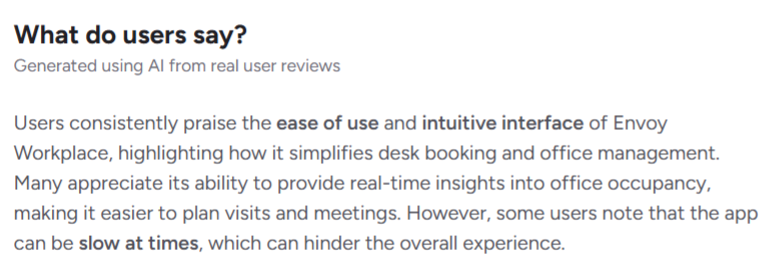
Reviewers most often praise how easy Envoy is to use and set up, the responsive support, and the polished visitor sign-in flow, and the Deliveries module gets singled out for saving mailroom time. The most common gripe is speed: several report the app loading slowly, with a few bugs and a clunky desk-changing flow.
Source: G2
You pay a required platform fee (flat annual, not published), then add modules: Reservations at $5 per bookable resource/mo, a free Visitors Basic tier (capped at 100 entries/mo) plus paid per-location tiers, Emergency Notifications at $2/user/mo, Screens $12/device/mo, and Deliveries $250/location/mo, all billed annually.
Displayed visitor-tier prices vary across the page (roughly $109 to $362 per location/month), so confirm with a quote.
Pros
Cons
If your priority is a secure, compliant front desk across multiple sites, or you want visitors, safety alerts, and space booking in one system, Envoy is the strongest pick here and the clear leader on visitor management. If your main goal is hybrid coordination, a booking-and-coordination platform will fit better and cost less.
See how Envoy compares to OfficeRnD Workplace.
YAROOMS is a full hybrid platform with an unusually broad set of security and compliance certifications. For regulated industries and the public sector, that’s its main draw.
| G2 rating | 4.3 / 5 (95) |
|---|---|
| Pricing | Starter $99/mo (20 users), Business $399/mo (200 users), Enterprise $899/mo |
| Standout | Broad compliance certifications here, plus an on-prem deployment option |
| Best fit | Regulated industries, government, and higher education needing strong compliance |
| Security | GDPR, SOC 2 Type II, ISO 27001, 27701, 14001, 9001; SSO, Azure AD, Okta; on-prem option |
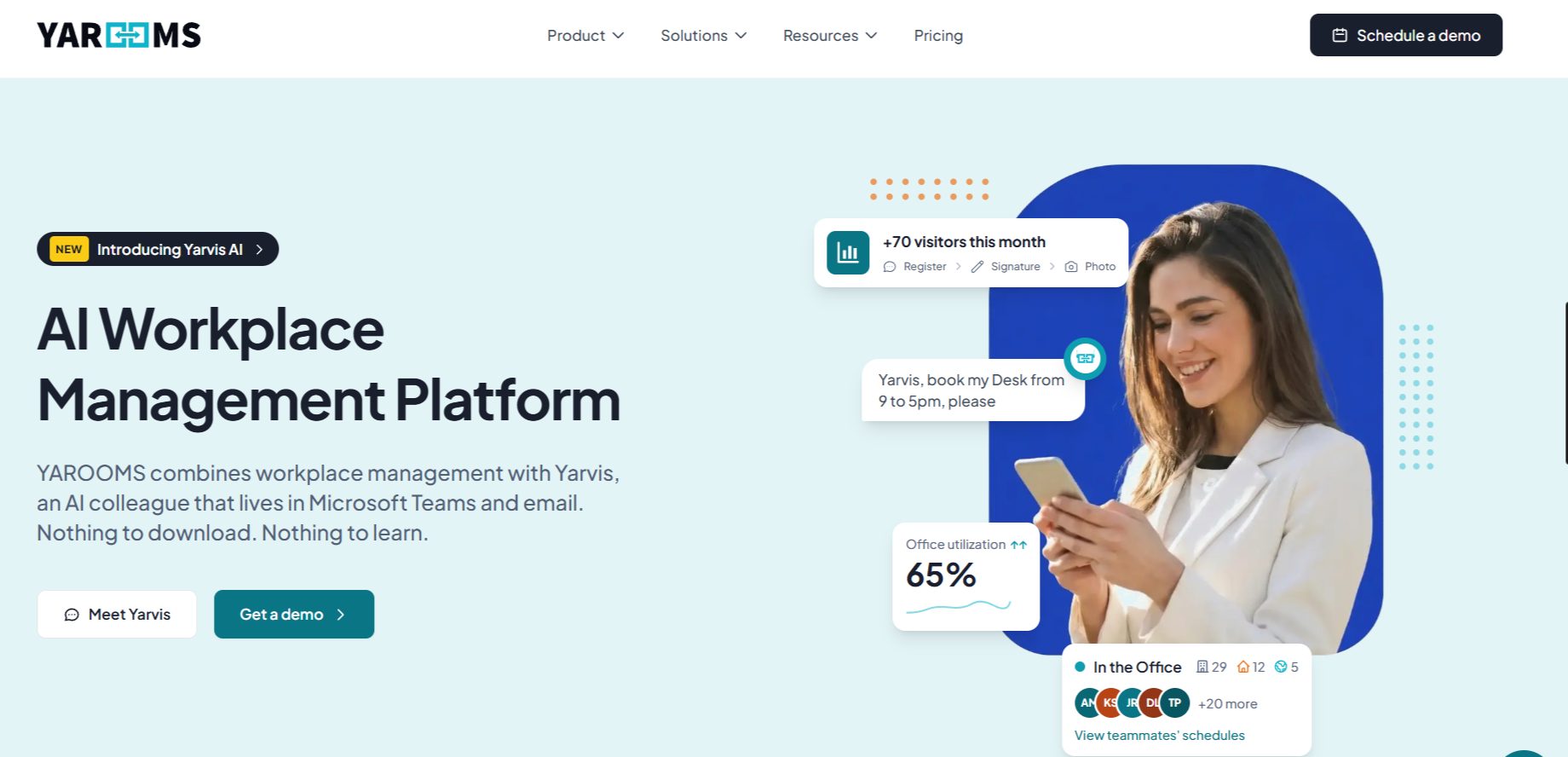
YAROOMS covers the full stack: desk and room booking, hybrid scheduling, visitor management, parking, analytics, and a newer AI assistant called Yarvis.
What sets it apart, though, is compliance: GDPR, SOC 2 Type II, and four ISO certifications (including ISO 27701 for privacy and ISO 14001 for environmental management), a wider set than almost anything else here, plus Azure, AWS, or on-premises deployment for Enterprise.
Source: https://www.yarooms.com/
It overlaps with a full platform like OfficeRnD Workplace, and the choice comes down to priorities: YAROOMS goes further on pure compliance, OfficeRnD leads on adoption, coordination, and per-resource pricing.
For the full head-to-head, see the OfficeRnD Workplace vs YAROOMS comparison.
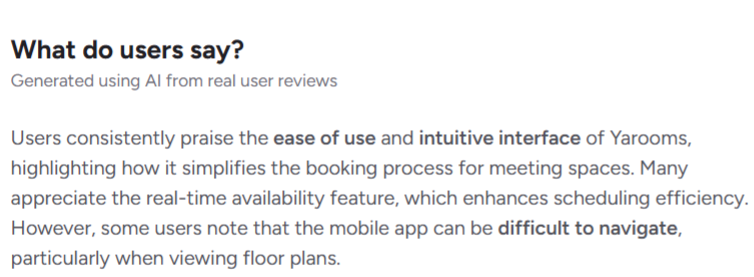
On G2, the standout theme is support: reviewers describe the team as fast and helpful from implementation through daily use, several report going live in days, and people like the clear visual maps and the Teams integration.
Source: G2
The recurring weak spot is performance: a number call the app slow or glitchy and prefer desktop to mobile.
Pricing is published in full (see the table above). Visitor management is a separate $99 per location per month, plans bill monthly or yearly (about 20% off annual), and higher tiers raise the caps on users, locations, and spaces.
Pros
Cons
If you’re in a regulated industry, government, or higher education and compliance certifications or on-prem deployment are non-negotiable, YAROOMS is the strongest fit here, backed by support reviewers rate highly. That’s why we also included it in our best space management platforms roundup.
If your priority is adoption, day-to-day coordination, and a polished mobile experience, another choice will likely serve you better.
Joan is the room-display specialist on this list, and you can tell. It’s made by an e-paper hardware company, and its battery-powered door displays are the most-praised part of the product.
| G2 rating | 4.5 / 5 (257) |
|---|---|
| Pricing | Plan-based from $51/mo, billed on users and devices: +$1.09/user/mo and +$10.99/device-license/mo (annual). E-paper hardware bought separately. Free 30-day trial |
| Standout | Energy-efficient e-paper room-booking displays with weeks of battery life |
| Best fit | Companies that want polished meeting-room door displays, from SMB to enterprise |
| Security | SO 27001; SSO (Google, O365, SAML, Okta), Azure AD, API |
Joan comes from Visionect, an e-paper hardware company, and the heritage shows. Its battery-powered e-ink displays mount on meeting-room doors, show availability at a glance, and let people book or check in on the spot, often running weeks between charges, and reviewers call the hardware clean, readable, and easy to live with.
So, if professional room displays are your main goal, Joan belongs on your shortlist. It has grown into a fuller platform with desk, parking, and asset booking, visitor management, signage, analytics, and a Joan AI Agent in testing, but the display side is more mature than the rest.
Source: https://getjoan.com/
The recurring praise is for the displays: long battery life, wireless mounting, e-ink readability, a clean look, easy setup, fast support, and reliable calendar sync (Outlook, Microsoft 365, Google).
The trade-offs are cost and hardware quirks: you pay for devices and a per-device license, and some report unreliable battery alerts, 2.4GHz-only Wi-Fi, and occasional freezes.
The desk and visitor software is lighter than the room booking. Oh, and something worth flagging that I saw: Joan runs an exit popup promising exact costs for eight vendors but shows only its own figure (about $3,782 for 100 users) while blurring competitors, then asks for your email, so read it as marketing, not a neutral comparison.
Pricing is plan-based from $49/mo and tied to users and devices rather than features (extras are $1.09/user/mo and $10.99/device-license/mo on annual billing), with e-paper displays bought separately.
You’re not billed for employees who only book through Outlook or Google without a Joan account. There’s a 30-day free trial and a 30-day money-back guarantee on devices.
Pros
Cons
If meeting-room door displays are your priority and you want the most polished e-paper hardware on this list, Joan is the clear specialist, and it scales from a couple of rooms to a large campus.
If you need deep hybrid coordination, strong desk booking, and whole-workplace analytics without managing hardware, another platform will fit better.
Team Today is the simplest, cheapest option here. It started as a way to see who’s working where and added desk booking later, and it stays light on purpose.
| G2 Rating | 4.6 / 5 (30) |
|---|---|
| Pricing | Free for up to 10 users; Professional from $1.35/user/mo; Premium (desk booking + floor plans) from $1.80/user/mo; Enterprise custom. 30-day trial |
| Standout | A genuinely free, simple whereabouts and leave tracker for small teams |
| Best fit | Small teams and budget-conscious companies wanting lightweight hybrid tracking |
| Security | Microsoft/Google SSO and MFA; Active Directory and SCIM on Premium; no public ISO/SOC certs listed |
Team Today began as a whereabouts tool: one screen showing who’s in the office, at home, offsite, or on leave, with holiday tracking that syncs to Outlook. That’s still its core, and for a small team replacing a shared spreadsheet or group chat, it’s an easy, cheap upgrade, with desk booking, floor plans, parking, and rooms on paid tiers.
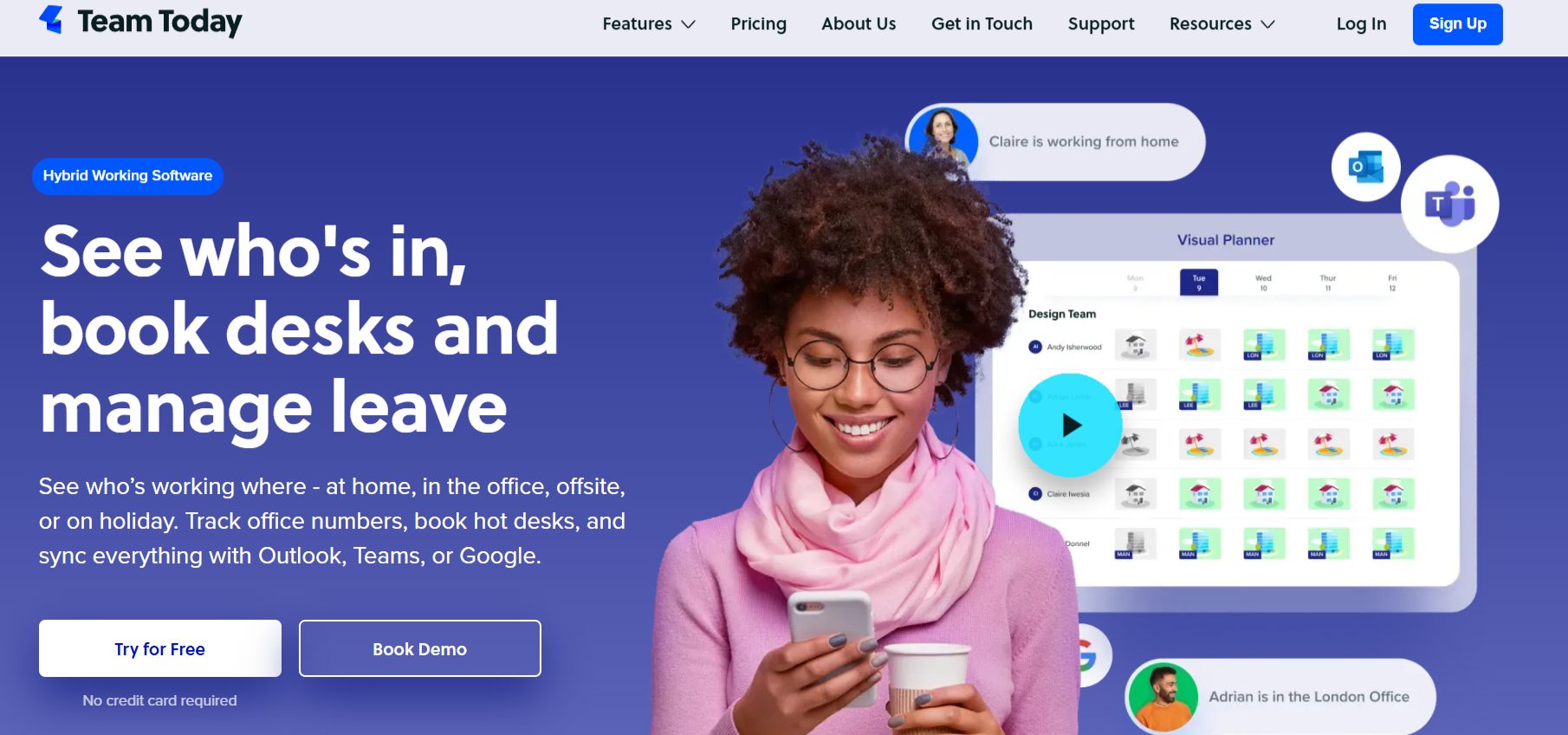
Source: https://www.team-today.com/
It sits at the light end of this list, covering the basics of hybrid coordination well without trying to be a full platform. Where desk.ly competes on low-cost desk booking, Team Today competes on free, simple whereabouts.
Reviewers like how it replaces spreadsheets for tracking who’s in and out, the free tier, and the Teams and calendar integrations; the recurring criticism is a learning curve plus occasional lag, from a small base of about 30 reviews.
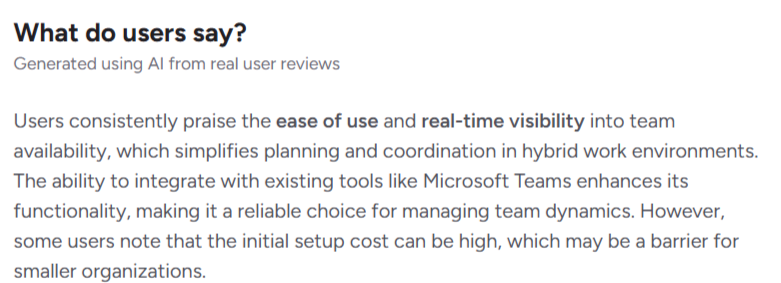
Source: G2
I signed up for the trial: the design is fine, and the product is basic. One telling detail: to get an interactive floor plan, you email it to the Team Today team, and they build it for you, free, which shows how hands-on and lightweight it is.
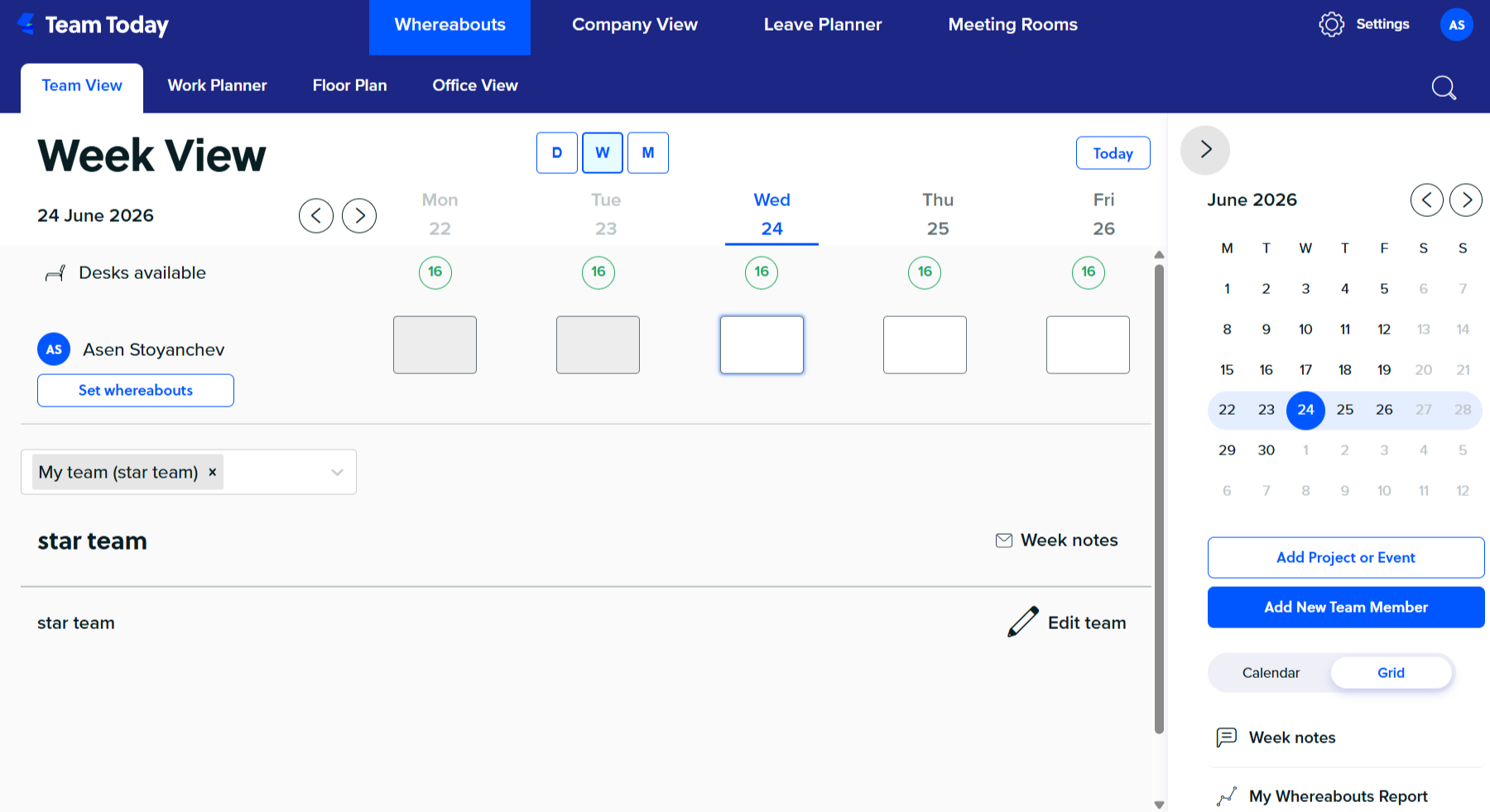
Among the cheapest hybrid tools out there, and free forever for up to 10 users. Professional (from ~$1.35/user/mo) doesn’t include desk booking or floor plans; for those you need Premium (from ~$1.80/user/mo), which adds desk booking, advanced parking, check-in, and a heat map.
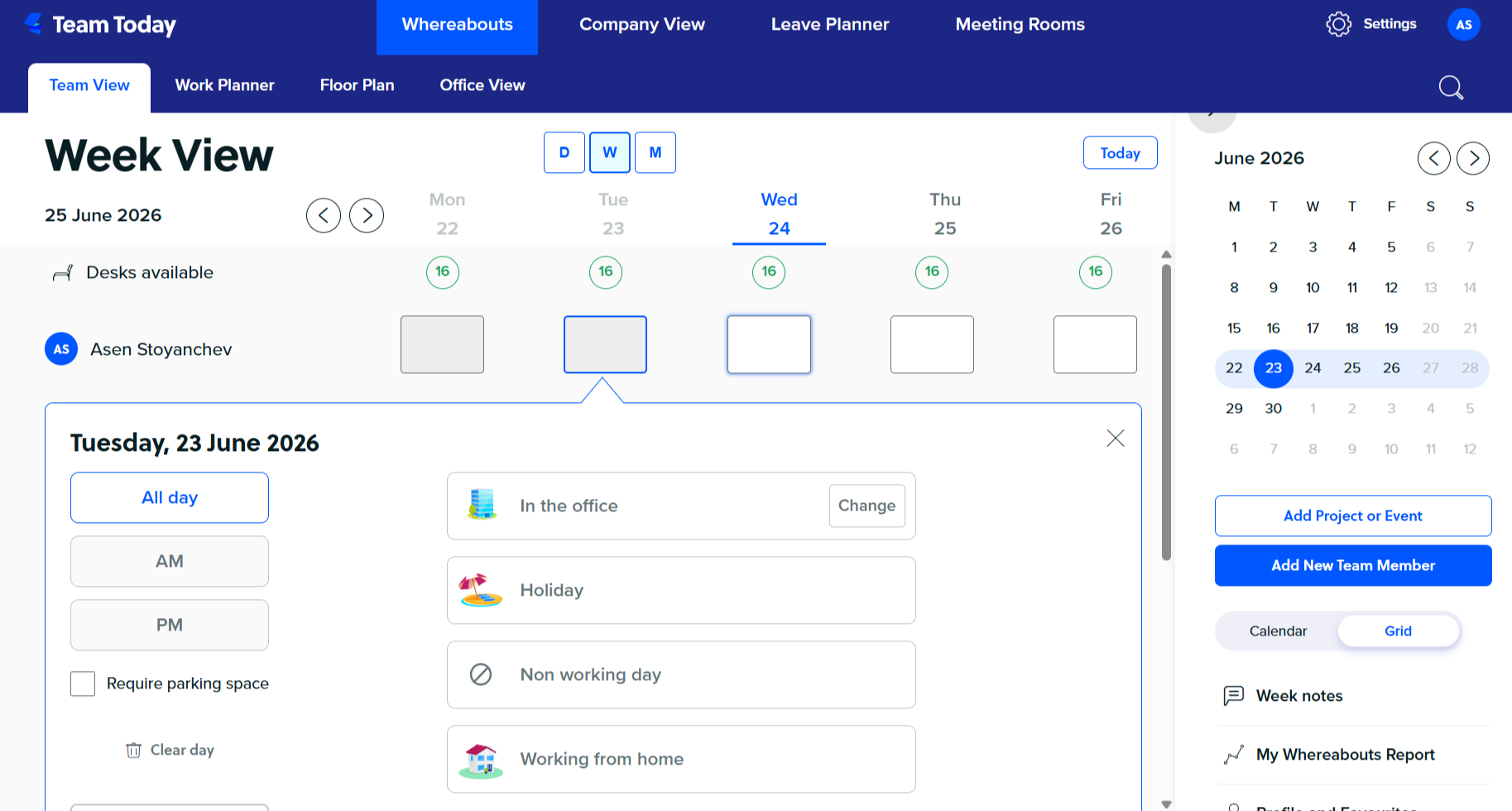
Enterprise is custom above 150 people, with a 30-day no-card trial and pricing in GBP, EUR, USD, and AUD.
Pros
Cons
If you’re a small team that wants a cheap, simple way to see who’s working where and manage leave, Team Today is an easy yes, and the free tier makes it nearly risk-free to try.
If you need depth, analytics, strong adoption, and a platform that scales across locations, look elsewhere.
Pult is a German-built platform that detects who’s in the office through your existing Wi-Fi, so attendance data comes from real signals instead of manual check-ins.
That makes it a strong pick for teams that want accurate occupancy numbers without nagging people to tap a button.
| G2 rating | 4.8 / 5 (64) |
|---|---|
| Pricing | Free Starter to 20 users. Growth €2.90/user/mo. Business €3.90/user/mo. Enterprise custom. |
| Standout | Wi-Fi and LAN-based presence detection, no extra sensors or hardware |
| Best fit | Mid-market and small teams, especially in the DACH region |
| Security | GDPR, ISO 27001-certified infrastructure, built and hosted in Germany |
Pult’s headline capability is presence detection. When a laptop or phone connects to office Wi-Fi or LAN, Pult records that person as present, reading from network gear you already run (Cisco Meraki, HPE Aruba, Ubiquiti) and MDM tools like Intune and Jamf, with no sensors and nothing for employees to confirm.
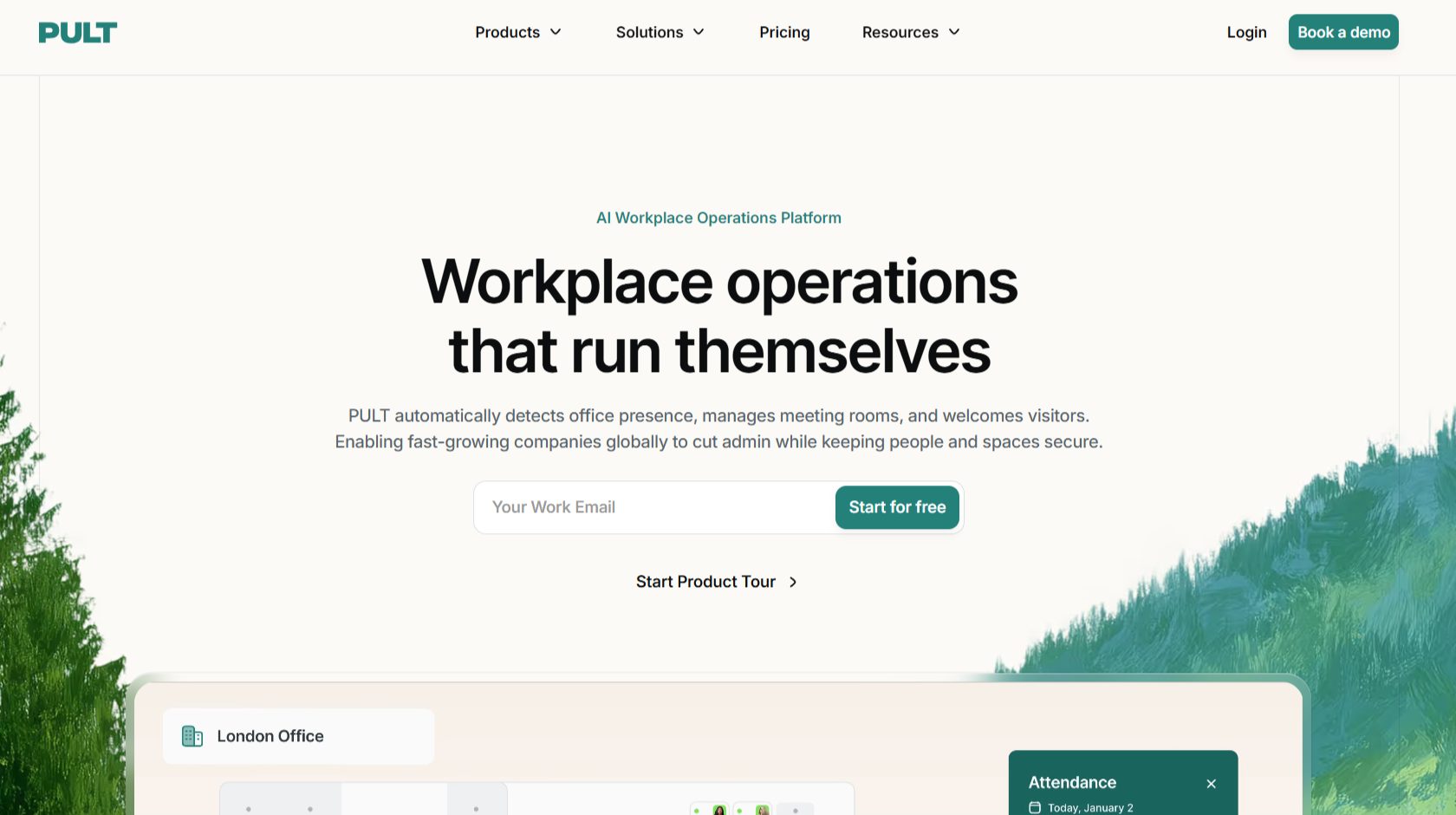
Source: https://www.pult.com/
That matters because most booking tools only know who reserved a desk, and reservations drift from reality fast, so for RTO tracking and honest utilization data the design is worth a look. The rest is a full suite: desk booking, rooms, parking, and a visitor kiosk, with deep European HRIS coverage (Personio, HiBob, Factorial, Workday, and 75+ others) that suits DACH and EU teams.
The G2 base is small but consistent at 4.8 from 64 reviewers, with praise for fast setup, the native Slack integration driving adoption, and automatic Wi-Fi check-in.
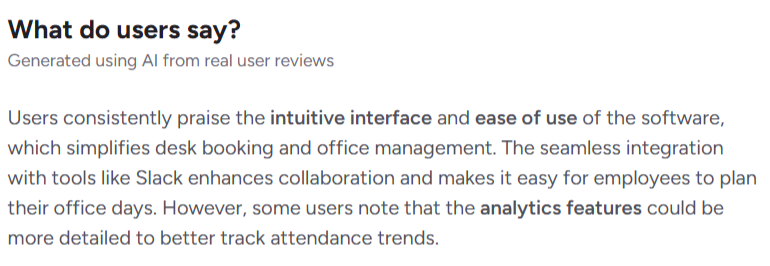
One reviewer said forcing engineers into a separate portal would have meant zero adoption, and Pult’s Slack flow solved it; several credited the data with footprint cuts of 28% and 35%.
The caveat is that the passive-attendance bet depends on conditions you should test: one April 2026 reviewer found Wi-Fi tracking unreliable and a few mention check-in lag in weak-signal areas, so pilot it on your network first.
Don’t forget to model the cost too: Presence AI and Visitor Management are separate lines from €99/month each and paid plans carry a 25-user minimum, so a 25-person team on Growth plus Presence lands closer to €170/month than the headline rate suggests.
Pros
Cons
Choose Pult if accurate, low-effort attendance data is the actual problem you’re solving, your team lives in Slack or Teams, and German hosting with European HRIS support matters. It fits mid-market and smaller hybrid teams in Europe that want one platform for booking, presence, and visitors without enterprise pricing.
Look elsewhere if you need deep multi-location analytics and enterprise references (Robin or OfficeRnD Workplace), a granular rules engine (Skedda), or visitor management as your primary need (Envoy). And if presence tracking is the whole reason you’re buying, treat the pilot as non-negotiable.
desk.ly is a German desk-booking tool with the most feature-complete free tier on this list and per-user pricing that undercuts most competitors.
| G2 rating | 4.8 / 5 (23) |
|---|---|
| Pricing | Free to 15 users with Enterprise-grade features. Corporate from €1.65/user/mo. Enterprise from €2.75/user/mo. Enterprise Plus – custom |
| Standout | A free tier that includes premium features for unlimited time. |
| Best fit | Small and mid-sized teams, especially in Europe, that want value and data protection |
| Security | GDPR, ISO 27001 |
For smaller teams that want clean booking and serious data protection without enterprise rates, it can be one of the easiest shortlist decisions here.
Two things earn desk.ly a spot. First is price: Corporate from €1.65 per user per month and Enterprise from €2.75, well below deskbird (from $3.75) and Pult (€2.90 to €3.90). Second is an unusual free tier: up to 15 users get the full Enterprise feature set with no time limit, so a 12-person startup can run rooms, parking, and a mobile app at zero cost
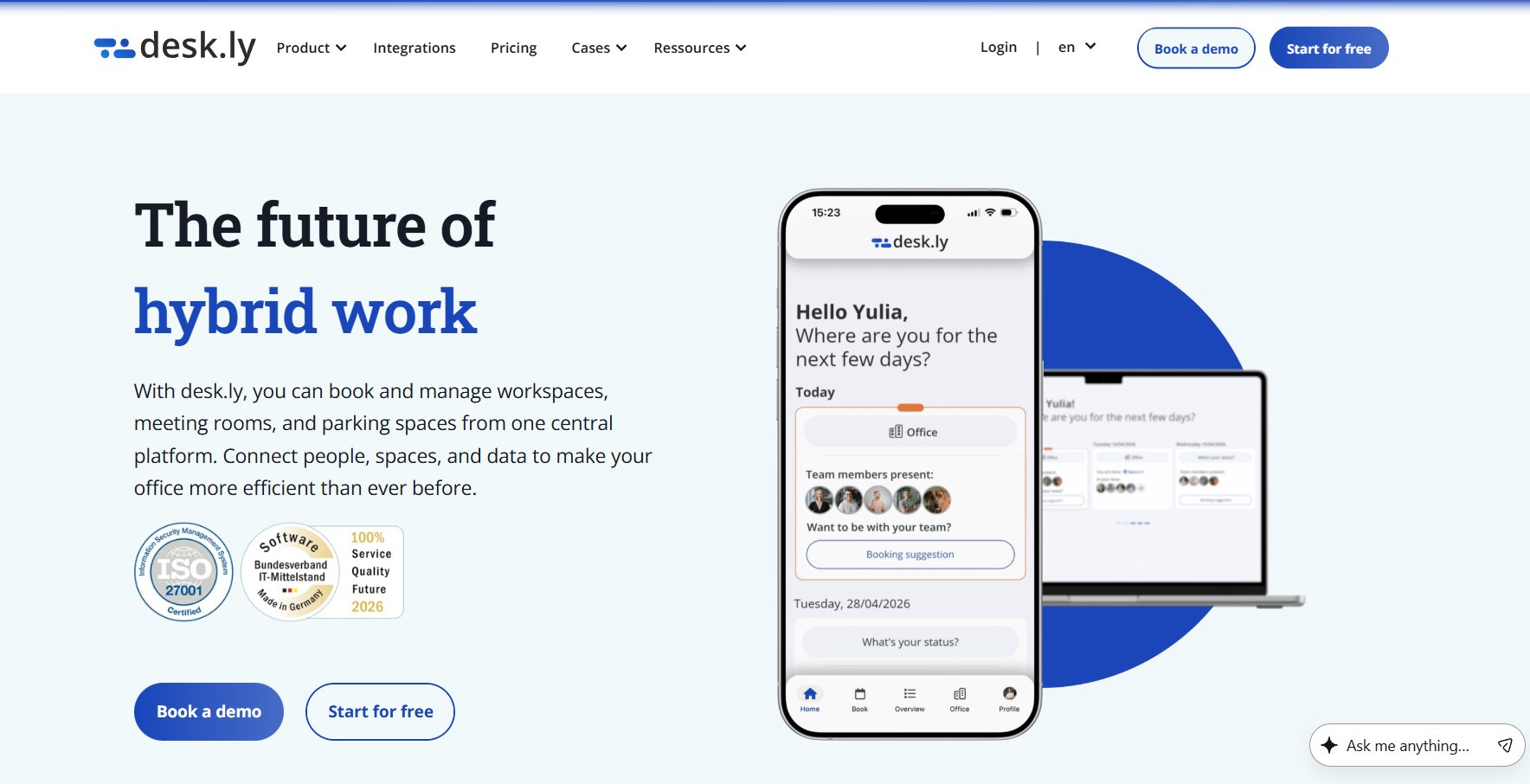
Source: https://www.desk.ly/en/
Pair that with ISO 27001, GDPR, and German hosting, and it’s hard to match at this price if IT or procurement has a data-sovereignty checklist.
The G2 base is small at 23 reviews but consistently warm at 4.8, with praise for ease of use, a clean interface adopted with almost no training, the visual floor plans, fast few-click booking, and a responsive team that ships requested features. I started a trial to test the flow, and the reviews align: the dashboard is simple, but some views load slowly.
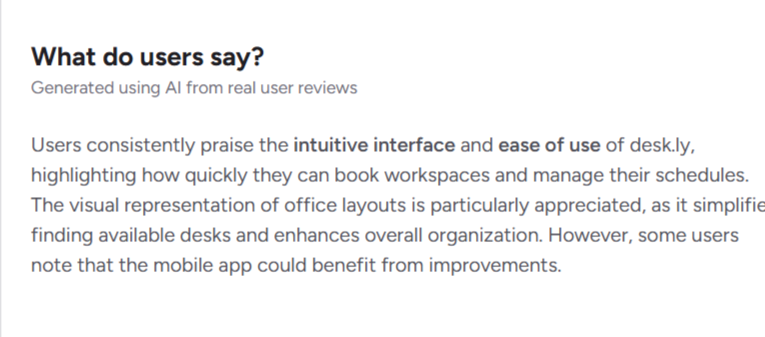
Robin, Skedda, and OfficeRnD Workplace have more polished interfaces, so you’ll notice the gap if design is part of how you sell a rollout internally, but for a small team on a budget a plain interface everyone gets on day one beats a beautiful one that needs a walkthrough. Test the mobile app specifically, where the roughness shows.
Pricing is refreshingly public: Corporate from €1.65/user/mo, Enterprise from €2.75 (adds rooms, parking, guest booking, mobile app, white label, kiosk mode), and Enterprise Plus custom (SCIM, HRIS, calendar sync, API, heatmaps from 300+ licenses).
One small quirk: the free tier is more feature-complete than the entry paid tier, so a growing 16-person team can lose rooms, parking, and the mobile app stepping off the free plan unless it jumps to Enterprise.
Add-ons are clearly listed: setup from €499, floor-plan design from €39, room signs from €119. Slack is listed as coming soon, so Teams-first shops are better served today.
Pros
Cons
Choose desk.ly if you’re a small or mid-sized team that wants straightforward desk and room booking, cares about ISO 27001 and German hosting, and would rather not pay enterprise per-seat rates.
That’s also why we included it in our best desk booking software list.
The free tier alone makes it worth trialing for any office under 15 people. Look elsewhere if you need polished design and deep analytics for multi-floor portfolios (Robin or OfficeRnD Workplace), a granular rules engine (Skedda), or Slack-native booking today (Pult or deskbird).
Last, feel free to check how desk.ly compares against OfficeRnD Workplace.
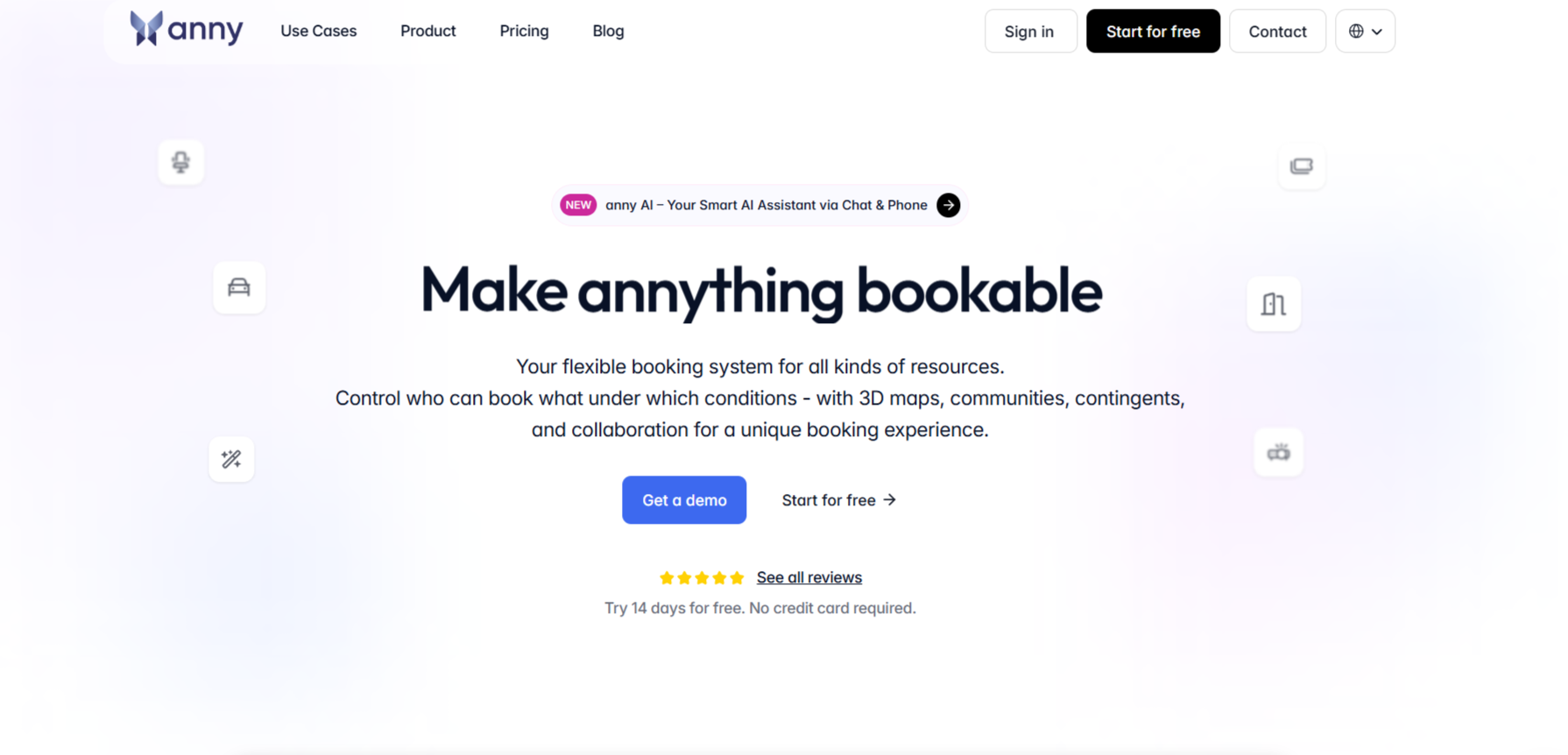
anny is (again) a German desk and room booking platform with one feature most competitors make you pay or wait for: you build your own interactive floor plan, yourself, in minutes.
| G2 rating | 4.5 / 5 (81) |
|---|---|
| Pricing | Free to 5 resources. Essential $5/resource/mo. Professional $10. Business $15. Enterprise custom (50+ resources). Desks and parking $5 each. Unlimited users and admins on every tier |
| Standout | Self-service 3D floor-plan editor and a highly customizable analytics dashboard |
| Best fit | Small-to-mid teams that want flexible desk and room booking with deep configuration |
| Security |
For hybrid teams that want flexible booking and detailed space data without a setup project, it’s a strong and distinctive option
anny covers the core hybrid jobs well: employees book desks, rooms, and parking, see availability on a visual map, and admins get utilization data back.
Source: https://anny.co/en/
What sets it apart is how much you can configure without help. Pricing is per bookable resource, not per user, with unlimited users and admins on every tier, so a 200-person team sharing 40 desks and 6 rooms pays for the resources, not the 200 people.
That works in your favor with a high employee-to-desk ratio, and against you if you make hundreds of individual desks separately bookable, a point a few reviewers raise.
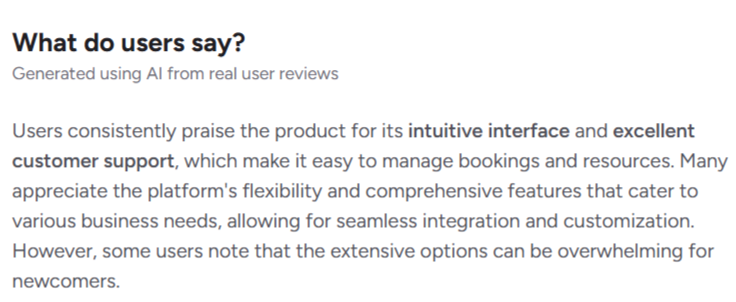
At 4.5 across 81 reviews, the recurring praise is flexibility, strong German support, in-product explainer videos, the interactive office map, and the clean booking flow, with multi-location offices noting it handles several sites and countries in one place.
Source: G2
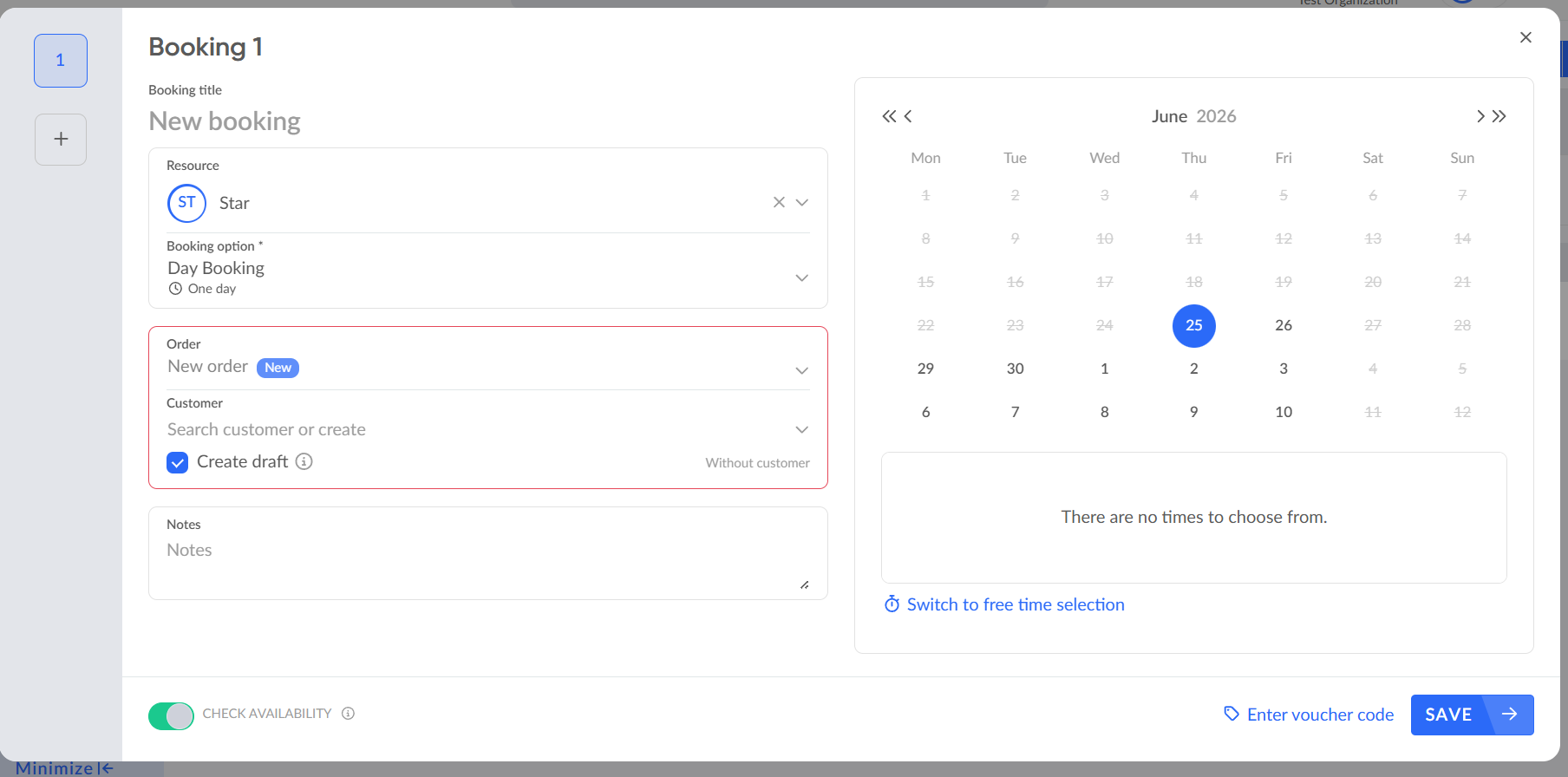
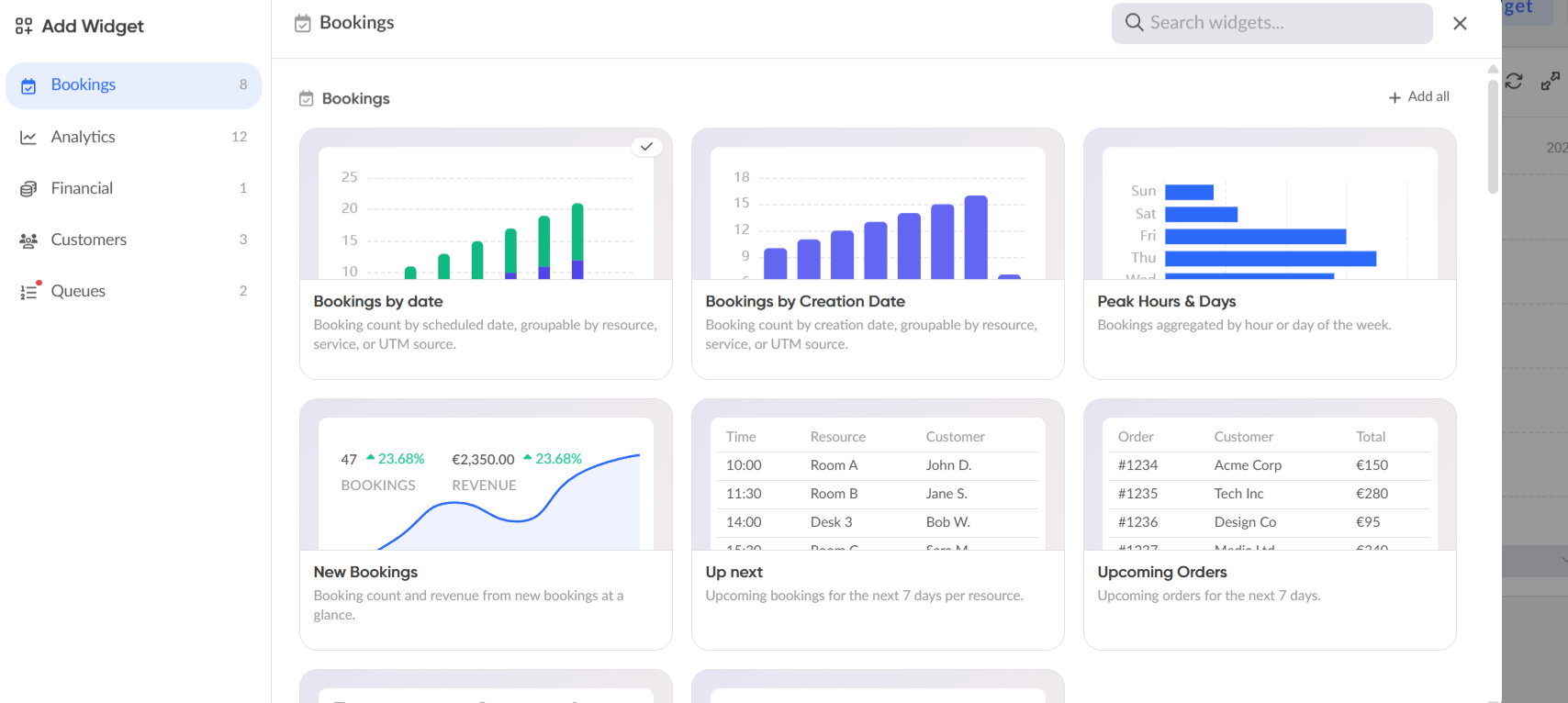
I signed up for the trial, and I think it’s a detailed dashboard that takes time to learn, and the standout is building your own interactive floor-plan map, where several providers here make you contact them and pay for setup.
Robin and OfficeRnD Workplace go deeper on portfolio-level reporting, but for a single-site or few-site office anny’s analytics are more than enough.
Anny booking options
The tradeoff is complexity: the core concepts (resources, child resources, services, rules) are abstract at first, and the collaboration layer is thin, with no team scheduling or presence sync.
Starter is free for up to 5 resources permanently. Paid plans run per resource per month: Essential $5, Professional $10 (adds 3D room planner, waitlist, advanced rules), Business $15 (adds API, webhooks, anonymous bookings).
The anny analytics dashboard
Desks and parking count as child resources at a flat $5 each, and Enterprise is custom from 50 resources.
One thing to price in: SSO sits at the Enterprise tier, so SSO-required buyers should factor that into the quote. Lower plans are self-serve through chat, docs, and in-app videos, with hands-on Customer Success reserved for Enterprise.
Pros
Cons
Choose anny if you want flexible desk and room booking with a lot of configuration control and value building and editing your own floor plans without waiting on a vendor.
The detailed analytics and the free 5-resource tier make it easy to trial, and it suits hybrid offices that want substance and self-service over a guided rollout.
Five pricing models show up on this list, and the same office can cost very different amounts depending on which one you pick. The trap is comparing headline rates (“$3.75/user” vs “$99/mo”) that aren’t measuring the same thing. Here’s how each bills you.
| Model | You pay for | Works in your favor when | Tools here |
|---|---|---|---|
| Per user | Each person with an account | Most staff come in often; team ≈ desk count | eskbird, Kadence, desk.ly, Pult, Team Today |
| Per resource | Each bookable desk, room, or spot | You have more people than desks | OfficeRnD Workplace, anny |
| Per space, flat | Each space, unlimited users | Lots of bookers, few spaces | Skedda |
| Flat tiered | A fixed monthly band by headcount | You sit comfortably inside a tier | Yarooms |
| Per user + per device + hardware | People, screens, and e-paper units | You want physical room displays | Joan |
We see this in our own office. As CEO and former Chief Product Officer Ivan Guberkov put it:
Across a year on OfficeRnD Workplace, our desks averaged 62.8% utilization, but the average hides the swing that actually matters: Tuesdays run at 74%, Fridays at 37%, and 1 working day in 5 tops 80%. Size the office for the 63% average and every Tuesday becomes a scramble for desks while Fridays sit half-empty. That gap between headcount and desks-in-use is the whole reason the pricing model you pick changes the bill.
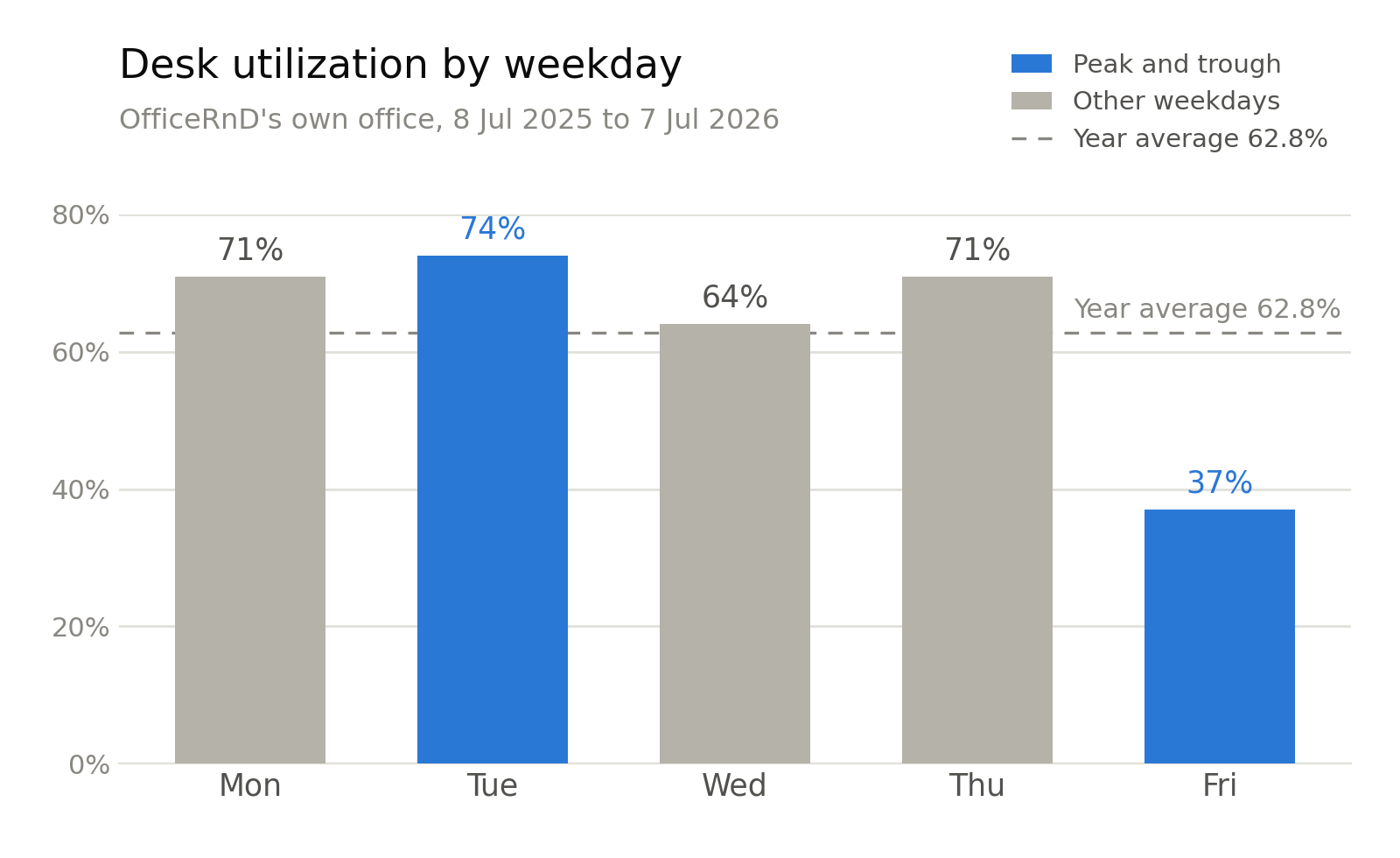
Original data: desk utilization in OfficeRnD’s own office, measured on OfficeRnD Workplace across 365 days (8 Jul 2025 to 7 Jul 2026). One office, so treat it as a case study, not an industry benchmark.
You can learn more about our own hybrid work data and methodology here.
And so, in a voluntary hybrid office, you almost always have more employees than desks, and that ratio is what makes per-user and per-resource pricing diverge. Take 200 employees sharing 80 desks and 10 rooms (illustrative rates):
The wider the gap between headcount and desks, the more a per-resource model pulls ahead. Flip the ratio, a small team where nearly everyone has a fixed seat, and per-user tools like desk.ly at €1.65 can be cheaper. Skedda’s flat-per-space model wins in a third case: many people booking a handful of spaces.
After 5+ years in this industry, I’ll admit the starting price rarely tells the whole story. Ask about:

The honest way to compare: ignore the headline rate, plug your real headcount and resource count into each model, add the must-have extras, and compare the monthly total.
The cheapest sticker price is rarely the cheapest bill. To plan your space, try our free office space calculator.
The best platform for you depends on three things:
Answer those and the field of 12 narrows to two or three fast. The direction of hybrid work trends shapes most of these calls, so ground your choice in where the model is heading, not just where your office is today.
“After working with more than 330 hybrid organizations, I see the same pattern every time. The tool that wins is the one people don’t have to think about. If booking a desk takes more than a few seconds, or lives in an app nobody opens, adoption stalls and the data you get back is worthless. Get the everyday experience right and utilization follows.”
— Ivan Guberkov, Chief Product Officer, OfficeRnD
This ratio decides your pricing model more than any feature does. The wider the gap, say 200 people sharing 80 desks, the more a per-resource tool like OfficeRnD Workplace or anny saves you against per-user pricing; if nearly everyone has a fixed seat, per-user tools get cheaper.
Most offices now run well below full capacity on any given day, which the hybrid work statistics bear out and independent utilization benchmarks confirm.
With structured hybrid data pointing to a settled three-day-week pattern, that ratio isn’t returning to one desk per person, and that gap is exactly where per-resource billing pays off.
The right integrations matter more than the number of them. A long logo wall means little if the one connection you need is shallow.
If your company runs on Teams, confirm there’s a real Teams app and working Outlook calendar sync, not just a notification feed; if you’re Slack-first, check the Slack integration handles actual booking, not only alerts.
The same goes for SSO, calendar, and access control: depth on the few that match your stack beats a count of fifty you’ll never touch. Difficult adoption is one of the main reasons most hybrid software rollouts fail.
Here’s a quick reference for the must-have features to check.
| Capability | What to check | Why it matters |
|---|---|---|
| Desk booking | Floor-plan maps, recurring bookings, neighborhoods, desk check-in | Booking without check-in inflates utilization numbers and hides no-shows |
| Room booking | Two-way Outlook/Google sync, auto-release of unused rooms | Rooms held but empty are the top source of “no space” complaints |
| Hybrid scheduling | Teammate visibility, team-day coordination, schedule sync | A desk alone defeats the point of coming in; coordination makes the day worth it |
| Workplace analytics | Actual vs intended attendance, utilization by floor, exportable reports | This is the data finance and facilities use to justify or cut space |
| Integrations | Native integrations with the tools employees use | Adoption dies when people leave the tools they live in |
| Visitor management | Pre-registration, host alerts, check-in, per-location pricing | Matters for client-facing offices or compliance needs |
| Admin and security | Role-based permissions, policy enforcement, SOC 2 or ISO 27001 | Data protection, Multi-site rollouts fail without granular admin control |
| Mobile and experience | Quality app, no-training booking, no extra downloads | Friction at the booking step is the biggest adoption killer |
If you’re choosing the software mainly for making easy bookings, don’t forget to check the booking flow.
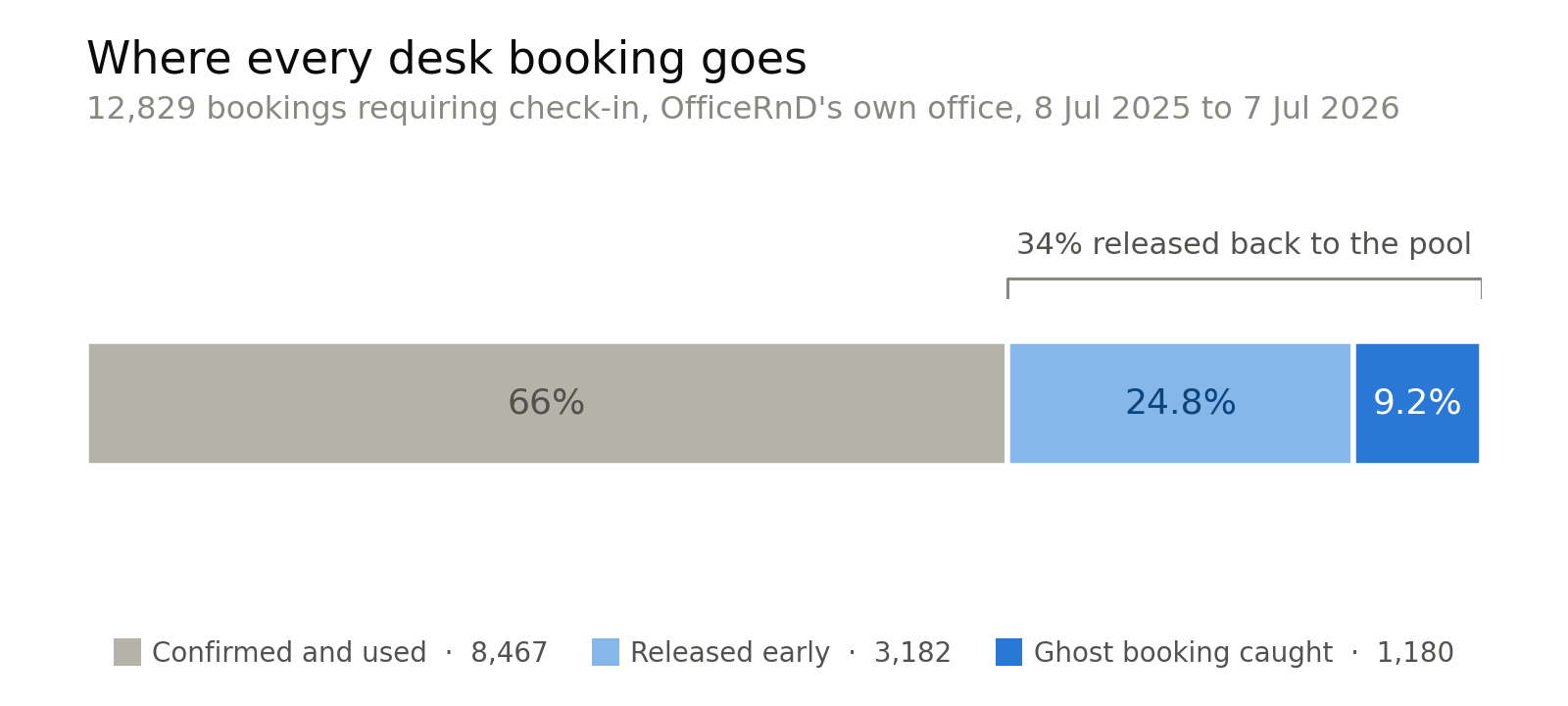
Original data: what happened to every desk booking in OfficeRnD’s own office over 365 days, on OfficeRnD Workplace. Check-in enforcement returned 34% of booked desk-days to the pool and caught 9.2% as would-be ghost bookings. One office, so treat it as a case study, not an industry benchmark.
If you’re still shaping the policy side of in-office days, the hybrid work playbook is a practical place to start before you commit to any tool.


![The Hybrid Work Trends That Will Shape 2027 [Webinar]](https://www.officernd.com/wp-content/uploads/2026/11/The-Hybrid-Work-Trends-2027-1-336x150.png)

Eager to learn the real flex and coworking space trends for 2027 without the hype? Read on.
Book a desk and parking spot in one flow, and join a waitlist when the car park is full.
Compare 6 Skedda alternatives on price, IT fit and G2 reviews.
![14 Best Space Management Software Tested and Compared [2026]](https://www.officernd.com/wp-content/uploads/2022/07/Manage-Shared-Seating.png)
The best space management software in 2026 is OfficeRnD Workplace. This is a complete buyer's guide.

The average flex operator connects 1.65 of 5 core systems. See what the gap costs and how to fix it.